You run outbound for several clients, and every one of them wants steady meetings while your team is already stretched. The best AI SDR for agencies keeps each client's leads, voice and inboxes apart, puts a person in front of every message, and runs under your own brand. We build ZOROSDR, so weigh our view with that in mind; the checks below work on any tool.
By the end you will have six checks, a comparison table and a 14-day test plan you can run with one real client.
What should an AI SDR for agencies do that a single-team tool does not?
A tool built for one sales team assumes one company, one voice and one list of prospects. An agency has none of those. Each client has a different offer, a different tone and a different idea of a good prospect.
That is where the pain shows. Running outreach for every client takes too many people, and the work spreads across too many tools. An AI SDR should cut that load without blurring the lines between clients.
Here's the catch: most feature lists look alike. Finding people, writing messages and handling replies are the baseline. What separates an agency tool is the structure around them.
| Everything in one workspace | A workspace per client | |
|---|---|---|
| Leads and sequences | Every client's leads sit in one pool, so mix-ups are possible | Each client has their own leads and sequences, and nothing mixes |
| Brand voice | One voice, or manual edits each time | Each client workspace has its own brand voice |
| Client access | Clients wait for your reports | Clients sign in on your domain and do only what you allow |
| Pausing one client | Stop campaigns one by one | One pause stops everything and deletes nothing |
Check 1: Does every client get their own workspace?
Start here, because it is the hardest thing to fix later. If clients share one pool of leads, one inbox and one voice, a wrong send is a matter of time.
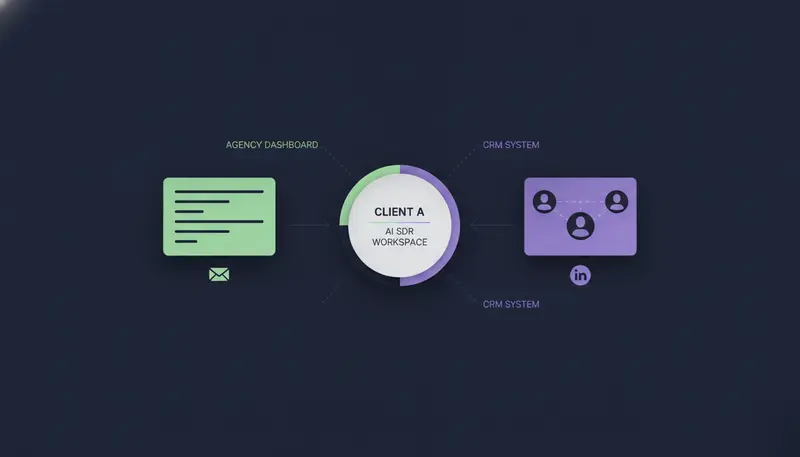
On ZOROSDR's Agency plan, each client gets their own workspace with their own leads, sequences, inboxes and brand voice. You set each client's monthly credit cap, sending accounts and people, and exactly what their team can do.
Pausing is clean. Pause a client and everything stops, with nothing deleted.
These are the Agency plan's numbers at $599 a month. The sending accounts line matters more than it looks, and we come back to it in check 4.
Check 2: Can you run it under your own brand?
Your clients hired you, not a software vendor. A portal under your name keeps it that way.
You add your agency name, the product name clients see, your logo and an accent colour. You connect your own domain, such as outreach.youragency.com, with one DNS record. Clients sign in there with their email and an access code.
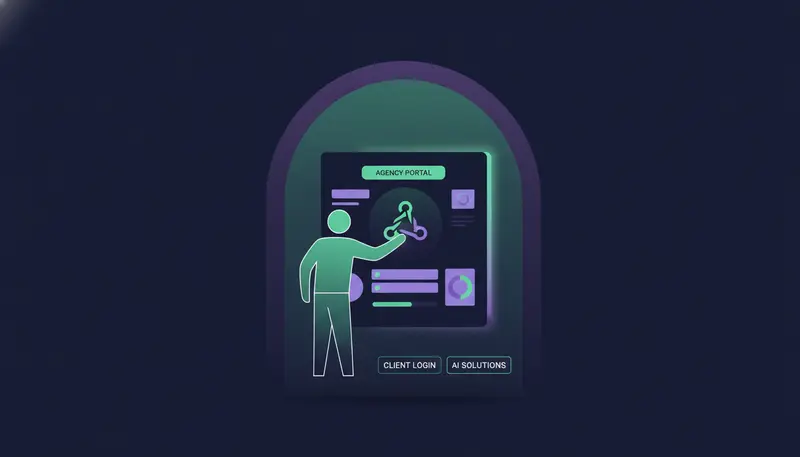
Clients can only do what you allow: approve, edit and skip drafts, manage leads, connect their own inboxes and LinkedIn, see analytics, edit sequences and brand voice, and use the Lookalike Prospect Finder and the AI SDR agent. The system refuses the rest. Billing, team, integrations and developer settings stay with you, and clients never see a bill.
Setup takes five steps:
- 1Add your brandenter your agency name, the product name clients see, your logo and an accent colour.
- 2Connect your domainadd one DNS record for an address such as outreach.youragency.com.
- 3Add a clienteach gets a workspace with their own leads, sequences, inboxes and brand voice.
- 4Set the limitschoose each client's monthly credit cap, sending accounts, people and permissions.
- 5Send the access codethe client signs in on your domain with their email and the code.
For a longer list of what a portal should cover, read the agency client portal checklist. You can also see how it works on the agencies page.
Check 3: Who approves what goes out in a client's name?
This is the fear behind most agency hesitation: the AI sends something wrong and you take the blame.
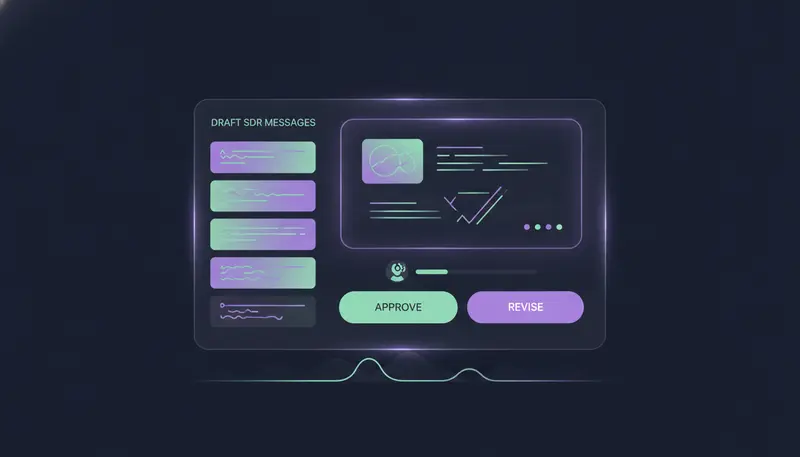
Look for a tool where nothing goes out on its own. In ZOROSDR every message lands in AI Admin as a draft. A person approves, edits or skips it, and the edited version is what goes out. Replies to leads always wait for a person too.
The AI writes from your website and knowledge only, and states no fact you didn't give it. If it doesn't know, it says it will confirm. Rules at system level catch "stop" and "unsubscribe" before the AI even reads the reply.
On a busy account you can approve up to 25 drafts at once and filter by sequence or channel.
The point is control without a bottleneck. You decide who looks at what, and when.
Check 4: Where do the messages send from?
Shared sending servers mean your reach can depend on strangers. ZOROSDR sends directly through the user's own connected accounts, such as Gmail, Outlook and LinkedIn, so your outreach inherits your own domain authority. We compare the two in sending from your own mailbox versus shared servers.
Domain health is built in: checks for SPF, DKIM and DMARC alignment, plus automated bounce handling. Sequences send within each lead's local working hours and respect safe daily platform limits.
For an agency, that means each client's mailboxes carry that client's own reputation, not one shared with other senders.
Check 5: Does it cover the channels your clients' buyers use?
Different clients reach buyers in different places. One lives on email and LinkedIn, another on WhatsApp. ZOROSDR runs email, LinkedIn invites and messages, WhatsApp Business, Instagram DMs, website chat, SMS and AI phone calls in one sequence of up to 12 steps.
A reply stops the sequence and gets sorted: interested, a question, an objection, not now or stop. One inbox holds drafts to approve, replies to answer and live website chats, and a built-in CRM comes with every plan at no extra cost.
That speaks to another agency pain: leads, conversations and follow-ups stay in one place instead of five.
Check 6: What will it cost to run for your whole client list?
Price the whole client list, not one seat. ZOROSDR has three plans: Starter at $99 a month, Growth at $249 and Agency at $599. The client portal comes with Agency.
Agency includes 5 seats, 20 sending accounts, 200,000 leads, 12,000 AI-written messages, 8,000 WhatsApp Business messages, 5,000 AI website chat replies, 1,500 copilot questions and 3,000 credits a month. Three client workspaces are included; more cost $39 a month each. Extra seats are $29 a month on any plan.
Monthly price in US dollars
Here is a worked example. An agency with five clients pays $599 plus two extra workspaces at $39 each, which is $677 a month before any extra seats. See every plan on the pricing page.
Credits deserve a look too. In the Lookalike Prospect Finder, ranking companies costs 0.1 credit each, so 100 companies is 10 credits. Ranking people costs 1 credit per 100, and importing a person costs at most 1 credit. Every paid step asks first and shows the most it can cost.
How do you test an AI SDR for agencies in 14 days?
ZOROSDR has a 14-day free trial of every tool with no card needed, and you can cancel any time. Every new workspace also gets 100 AI-written messages, 25 prospect-finding credits and 10 WhatsApp messages to test with.
The next step is where most teams slip: they test with a demo list and a generic brief. Use one real client, with their agreement, and their real brand voice. That shows you what the drafts will actually feel like.
Your 14-day agency test
- Create a workspace for one client and add their brand voice from their own facts
- Set a monthly credit cap and limit what their team can do
- Connect one mailbox and check SPF, DKIM and DMARC
- Run the Lookalike Prospect Finder from their best customers and read the reason behind each score
- Approve, edit and skip drafts in AI Admin
- Reply "stop" from a test address and confirm the sequence ends
- Pause the client and confirm everything stops
- Sign in as the client on your domain with the access code
If a step fails, you have learned something before a client ever saw it.
So which AI SDR is best for your agency?
The best AI SDR for your agency is the one that passes these six checks with your clients, not ours. ZOROSDR is built for agencies that run outbound for several clients, want a person approving every message and want to sell under their own name.
It is not the right fit if you want an AI that sends with nobody reviewing, because nothing goes out here until a person approves it. And if you only run your own outreach, you do not need the Agency plan; the other plans are the place to look.
Frequently asked questions
What is an AI SDR for agencies?
It is software that finds prospects, writes outreach in each client's voice, answers replies and books meetings, with separate workspaces so one agency can run many clients. In ZOROSDR a person approves every message before it goes out.
Can clients see my billing or other clients' data?
Clients never see a bill, and billing, team, integrations and developer settings stay with the agency. Each client has their own workspace, and nothing mixes between clients.
How much does ZOROSDR cost for an agency?
The Agency plan is $599 a month and includes 3 client workspaces, 5 seats and 20 sending accounts. More client workspaces are $39 a month each, and extra seats are $29 a month.
Does the AI send messages without approval?
No. Every message lands in AI Admin as a draft, and nothing is sent until a person approves it. Replies to leads also wait for a person.
Can I try it before paying?
Yes. There is a 14-day free trial of every tool with no card needed. New workspaces get 100 AI-written messages, 25 prospect-finding credits and 10 WhatsApp messages to test with.
Summary
An AI SDR for agencies has to separate clients, show you every message before it goes out, send from the right accounts, run under your brand and price out across your whole client list. Run the six checks with one real client. Start the 14-day free trial or book a demo and we will walk you through the client portal.