You're about to hand your outreach to an AI tool, and you can't tell whose servers your emails will leave from. If you're weighing an AI sales tool sending from own mailbox vs shared servers, here is the direct answer: sending from your own accounts keeps your sender reputation yours, for better and for worse. ZOROSDR works that way.
By the end you'll know what to ask a vendor, what SPF, DKIM and DMARC do, and which checks to run before anything goes out.
AI sales tool sending from own mailbox vs shared servers: how to tell
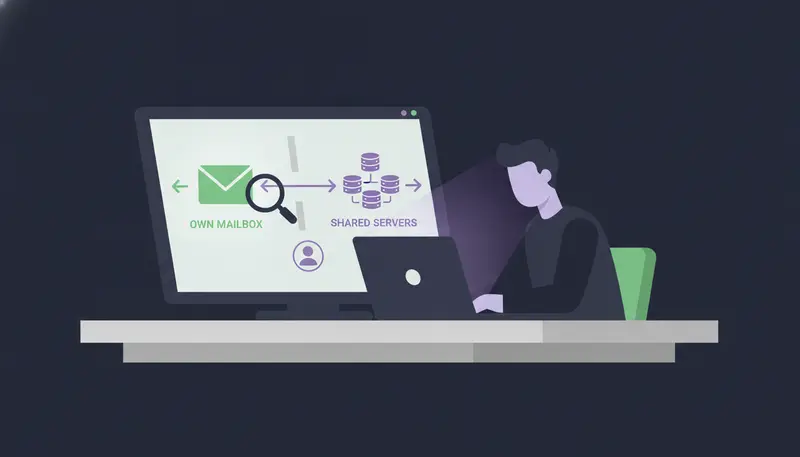
It depends on the tool, so ask. Some outreach tools send your messages through servers the vendor runs and shares across its customers. Others connect to the mailbox you already use and send from there.
ZOROSDR is in the second group. Messages are sent from your own accounts, not a shared server, in each lead's working hours. That means your Gmail, Outlook or other mailbox for email, and your own account for LinkedIn.
Here's the catch: a product page can say 'deliverability built in' and still not say where the message leaves from. Put one plain question to every vendor: does this message go out from my account or from yours? The answer tells you whose reputation you're relying on.
We cover the email side in more depth in cold email from your own mailbox vs a shared sending server.
What does sending from your own mailbox mean?
It means the message goes out through the account you connected. For email, that is Gmail, Outlook or any mailbox you already use. For LinkedIn, it is your own profile sending invites and messages.
Nothing in the middle sends for you from a pool of servers. Your outreach inherits your own domain authority, which is the reputation your domain has built with mailbox providers over time.
That cuts both ways. A domain with a clean history starts from that history. A domain with problems starts from those problems, which is why the checks later in this guide come first.
Here is the difference side by side.
| Your own mailbox | Shared sending server | |
|---|---|---|
| Where the message leaves from | Your connected account (Gmail, Outlook, LinkedIn) | Servers the vendor runs for many customers |
| Whose reputation it uses | Your own domain | Mixed with other senders on the same server |
| Who sets the limits | You, per account, within safe caps | The vendor |
| If something looks off | You can see the account's health and change its limits | Depends on what the vendor shows you |
Why does the sending source matter for deliverability?
Mailbox providers decide whether to deliver, filter or reject a message partly on who the sender is and how that sender has behaved. When many customers share one sending server, their behaviour is mixed together. You can't see it, and you can't fix it.
When you send from your own account, the history is yours. You can watch its health, set its limits and adjust it. Control is the real benefit, more than any promise about inboxes.
No tool can promise inbox placement, and ZOROSDR doesn't. What it does is send from an account you control and put guardrails around it: address checks, domain health checks, bounce handling and daily limits.
The trade-off is fair to state. Because the account is yours, its health is partly your job. Limits and warm-up exist to keep that job small.
What do SPF, DKIM and DMARC actually do?
Three short records in your domain's settings, three jobs.
SPF lists which services are allowed to send email for your domain. DKIM adds a signature to each message, so the receiving server can tell it came from your domain and wasn't changed on the way. DMARC tells receivers what to do when a message fails those checks, and it ties them to the address people see in the From line.
When all three line up, your domain looks like what it claims to be. When they don't, messages are more likely to land in spam or be rejected. For a longer walkthrough, read SPF, DKIM and DMARC explained in plain English.
How do I check SPF, DKIM and DMARC before I send?
Do it before the first sequence goes live, not after the first bounces. This order works for any mailbox.
- 1Check SPFconfirm your domain's record lists every service that sends mail for you, so receivers know who is allowed.
- 2Check DKIMconfirm outgoing mail is signed with your domain's key, so it can be shown to be unchanged.
- 3Check DMARCconfirm a policy is published, so receivers know what to do with mail that fails.
- 4Check alignmentthe domain in those checks should match the domain in your From address.
- 5Fix what failschange one record at a time, then run the check again.
- 6Re-check laterrun it again whenever you add a tool that sends mail for the domain.
The last step is where most teams slip. They check once at setup, add another sender later and never look again.
In ZOROSDR, the 'Sending domain' check in Settings: channels looks at your email domain's setup (SPF, DKIM, DMARC) and says how to fix each part. 'Health' on each account shows Healthy, Worth watching or At risk, and 'Check now' runs it again.
What else keeps a connected account healthy?
Authentication is only the start. Sending behaviour matters as much, because a new inbox that suddenly sends a lot gets flagged whatever its records say.
So every plan caps sending to keep accounts safe. You set the daily limit and the sending hours and days on each account, and sequences send in each lead's working hours.
Bounces count too. Deliverability is built in: address checks, domain health checks and bounce handling, so bad addresses don't keep hurting the account.
Put together, that is the protection layer: checked addresses, a healthy domain, sane limits and a slow start.
Does the same rule apply to LinkedIn and other channels?
Yes. LinkedIn invites and messages go out from your own account, within the limit of 50 actions a day. Its health reflects failed sends, invite acceptance and limits, so you can slow down when an account is worth watching.
One sequence can also include WhatsApp Business (templates and replies, with consent), Instagram DMs, website chat, SMS and AI phone calls. Each step is written for that lead and that channel.
Consent matters as much as the plumbing. Texting or WhatsApp-ing people who didn't agree to it is a common way to get into trouble.
The point is the same on every channel: your accounts, your limits, your reputation.
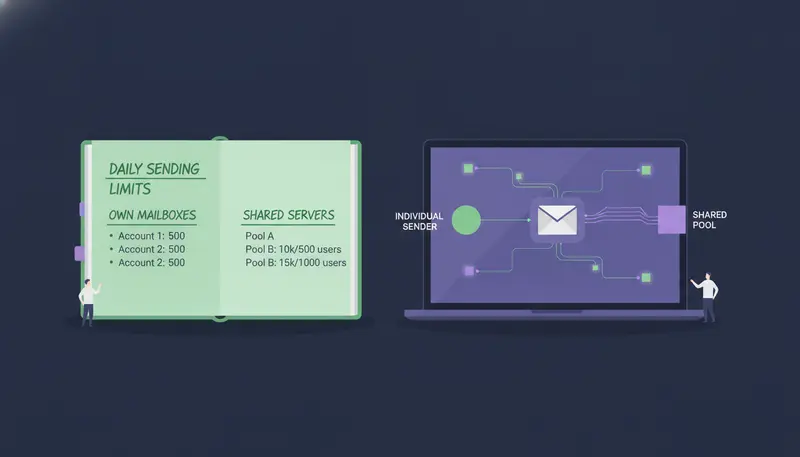
Do approvals and opt-outs depend on where messages come from?
Not directly, but they protect the same thing: your name. Every first message lands in your inbox as a draft, and nothing is sent until a person approves, edits or skips it. Replies to leads also wait for a person.
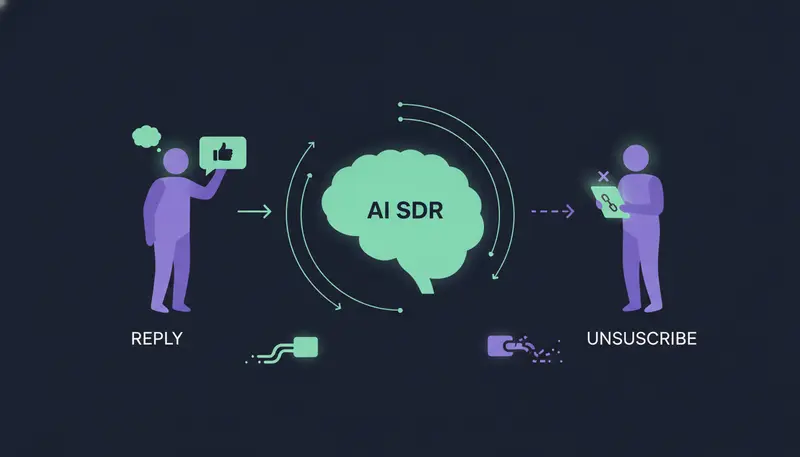
System-level rules catch 'stop' and 'unsubscribe' requests before the AI reads the reply, so nobody gets an accidental follow-up. The AI writes from your website and the knowledge you gave it. If it doesn't know a fact, it says it will confirm rather than make one up.
When mail leaves from your own account, a stray message carries your domain. That is why these guardrails sit next to the sending setup.
What should I ask an AI sales tool vendor?
Take this list to every demo. It works for ZOROSDR too.
Questions to ask before you connect an account
- Does each message leave from my own account or from the vendor's servers?
- Does the tool check SPF, DKIM and DMARC and say how to fix each part?
- Are there daily limits per mailbox and per LinkedIn account?
- Do new email and LinkedIn accounts warm up gradually?
- Are bounces handled automatically?
- Does a person approve every first message before it goes out?
- Are stop and unsubscribe requests caught before the AI reads the reply?
- Can I test it with real data before paying?
For how ZOROSDR handles data, start with the security and privacy page. For formal security questionnaires, a person from the team will follow up.
Frequently asked questions
Do AI sales tools send from shared servers?
Some do, and some send from the account you connect. ZOROSDR sends from your own accounts, such as Gmail, Outlook and LinkedIn, not from a shared server.
Is sending from my own mailbox better for deliverability?
It gives you control. Your messages inherit your own domain authority, and you set the limits. That also makes the account's health partly your responsibility, so warm-up and limits matter.
What do SPF, DKIM and DMARC do?
SPF lists who may send for your domain. DKIM signs messages so changes can be detected. DMARC tells receivers what to do when a message fails those checks.
How many emails can I send a day from one mailbox?
Every plan sends up to 100 emails a day per mailbox and 50 LinkedIn actions a day per account, to keep accounts safe.
Can ZOROSDR promise my emails reach the inbox?
No. No tool can. ZOROSDR sends from your own accounts and adds address checks, domain health checks, bounce handling and daily limits.
Summary
Sending from your own Gmail, Outlook and LinkedIn means your outreach carries your own reputation, and you keep control of it. Check SPF, DKIM and DMARC first, start new accounts slowly and keep limits in place.
To test it on your own accounts, start the free trial, or book a demo and ask the team anything about the setup.