Your outreach is spread across three apps, and nobody on the team has time to prospect every day. If you are searching for an AI SDR WhatsApp setup that also covers email and LinkedIn, the short answer is yes: ZOROSDR runs all three from one sequence, and a person approves every message before it goes out.
By the end you will know what to check in any AI SDR that sends WhatsApp, how consent and templates work, and what a first sequence looks like.
Can an AI SDR send WhatsApp messages as well as email and LinkedIn?
Yes, though not every one does. Many tools started with email and added LinkedIn later. WhatsApp can be missing, or sit in a separate product with its own login and its own bill.
That split matters because a lead rarely lives on one channel. Someone may ignore your email, accept your LinkedIn invite and see a WhatsApp message on the same day. In three separate tools, those touches know nothing about each other.
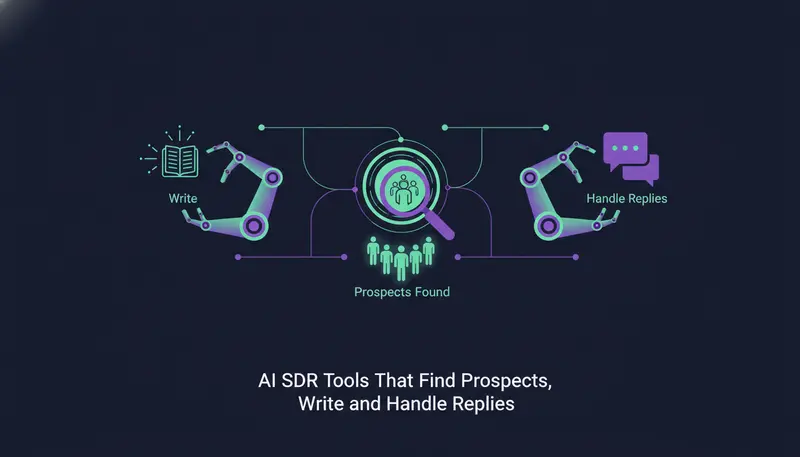
ZOROSDR is one workspace across email, LinkedIn invites and messages, WhatsApp Business, Instagram DMs, website chat, SMS and AI phone calls. You can see the full list on the channels page. A sequence has steps across channels with waits and conditions, and each step is written for that lead and that channel.
Here's the catch: sending on WhatsApp is not the same as sending an email. The rules around consent and first messages are stricter, and the tool should respect them for you.
What should an AI SDR WhatsApp setup include?
Use this list when you compare tools. It works for ZOROSDR and for anything else on your shortlist.
What to check before you pick a tool
- WhatsApp, email and LinkedIn steps in the same sequence, not three separate products
- An approval step, so no message goes out until a person says so
- WhatsApp sent only to leads who agreed to it
- Approved templates on the official WhatsApp Business number
- Opt-outs caught automatically, such as "stop" or "unsubscribe"
- Messages sent from your own accounts, not a shared server
- One inbox where replies from every channel land
- Daily sending limits that protect your accounts
If a vendor cannot answer one of these in plain words, treat that as an answer.
WhatsApp Business number or linked phone: which one fits?
ZOROSDR gives you two ways to connect WhatsApp, and the choice shapes how you can write.
A WhatsApp Business number is the official route. Chats open with approved templates, and it is the safest option for outreach. A linked phone, connected by QR code, allows free text and suits people who already know you.
| WhatsApp Business number | Linked phone (QR code) | |
|---|---|---|
| How you connect | Official WhatsApp Business number | Link a phone by QR code |
| First message | Approved template | Free text |
| Best for | Outreach to new leads | People who already know you |
| Safety for outreach | The safest of the two | Keep it for existing contacts |
For leads who have not spoken to you, start with the Business number. Keep the linked phone for contacts who already know you, such as people you have worked with before.
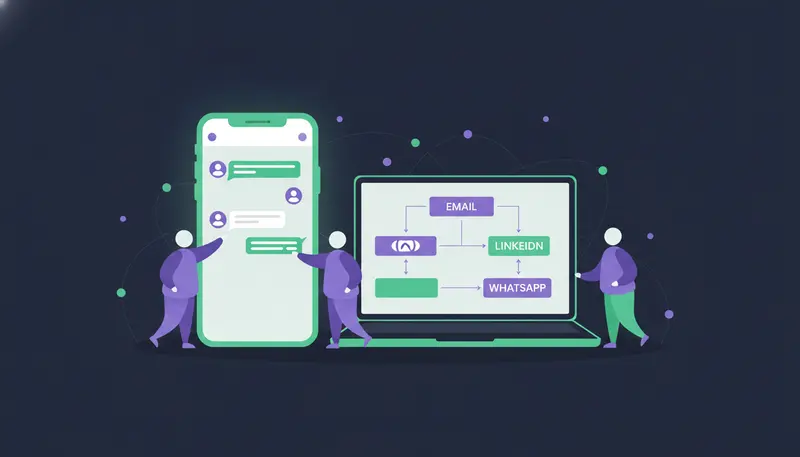
How does ZOROSDR run WhatsApp, email and LinkedIn in one sequence?
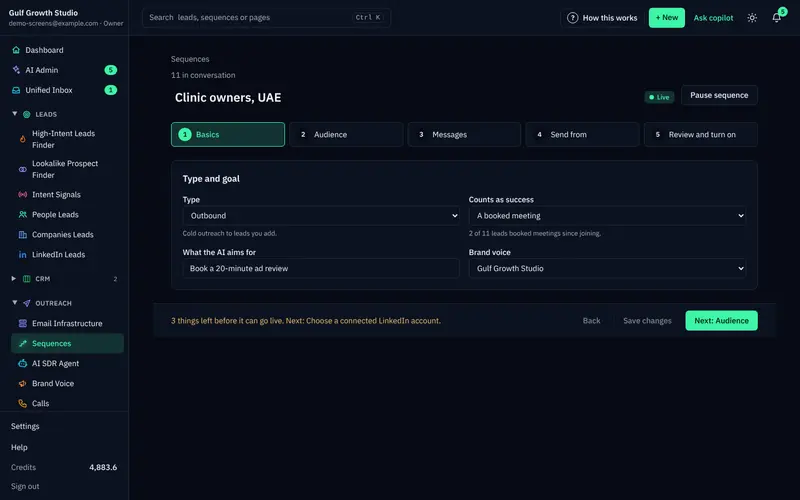
A sequence can have up to 12 steps. Each step is email, LinkedIn invite, LinkedIn message, WhatsApp, SMS, AI call, or a step that finds a missing email or phone. Each has a wait in days and a brief for the AI, for example one pain from their world, one line on how you help, and a soft question.
- 1Connect your accountsSign in to your inbox and LinkedIn on a secure page, and add a WhatsApp Business number. ZOROSDR never sees your password.
- 2Add the stepsBuild the sequence with email, LinkedIn and WhatsApp steps, each with a wait and a brief you can edit.
- 3Set the rulesWrite them like you would brief a new salesperson, such as who to contact and when to hand a conversation to a person.
- 4Choose where it sends fromTick the inboxes, LinkedIn accounts and WhatsApp numbers the sequence may use.
- 5Check Ready to go liveThe list shows what is ready and what is open, and Fix this jumps to the step that solves it.
- 6Approve the draftsEach message waits in AI Admin until a person approves, edits or skips it.
The order is up to you. A LinkedIn message after an invite waits until they accept, for up to 21 days. A branch step can check whether the invite was accepted and send the lead down a different path.
A lead's follow-ups always come from the account already talking to them. The sequence stops as soon as they reply, opt out, book a meeting or move to a closing stage.
Why do consent and templates matter on WhatsApp?
WhatsApp and SMS go only to leads who agreed. That is the right default, and it is how sequences work in ZOROSDR.
Now the part that needs care. On a WhatsApp Business number, the first message needs an approved template. In AI Admin a template can't be edited: it goes word for word as WhatsApp approved it.
Opt-outs have their own safeguard. System-level rules catch "stop" and "unsubscribe" before the AI even reads the reply, so nobody who opts out gets an accidental follow-up. Our guide to WhatsApp sales outreach mistakes goes deeper on consent and templates.
Does a person still check every message?
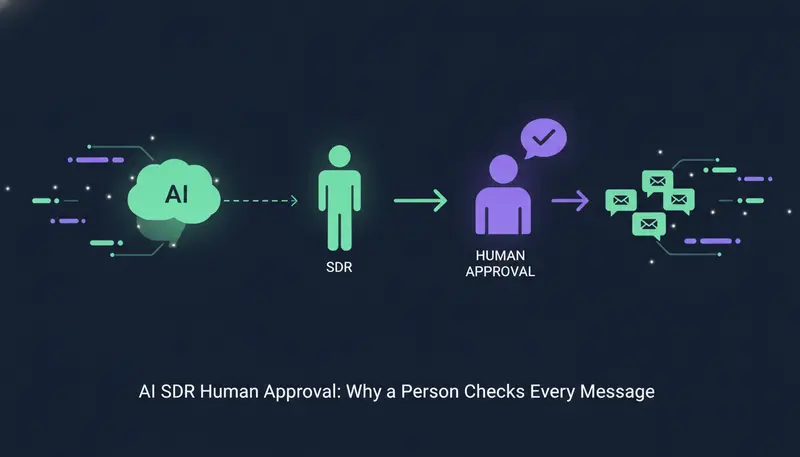
Yes. Every message your AI drafts waits in AI Admin, and nothing is sent until a person approves it. Your edits are what goes out.
AI Admin has three tabs: To approve, Replies and Live chats. You can approve up to 25 drafts at a time, rewrite 10 and skip 100, and filter by channel to work through one kind at a time.
The AI writes in your voice from your website and knowledge, and states no fact you did not give it. If it does not know something, it says it will confirm rather than invent an answer. The guardrails page explains how approval, facts-only writing and opt-outs fit together.
Where do replies from WhatsApp, email and LinkedIn end up?
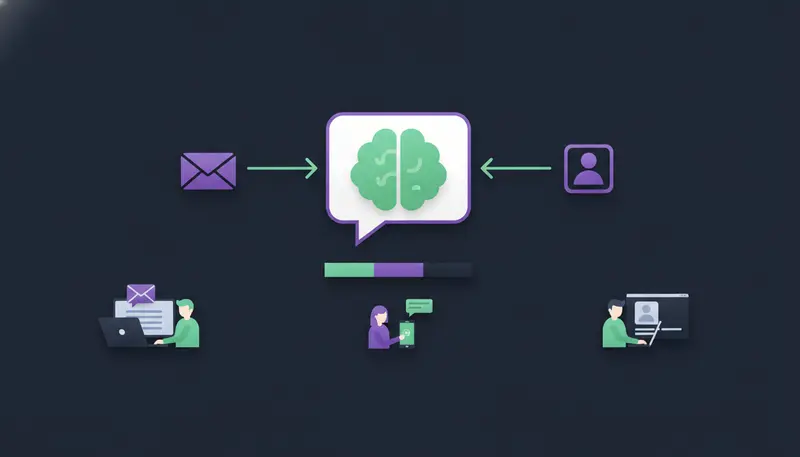
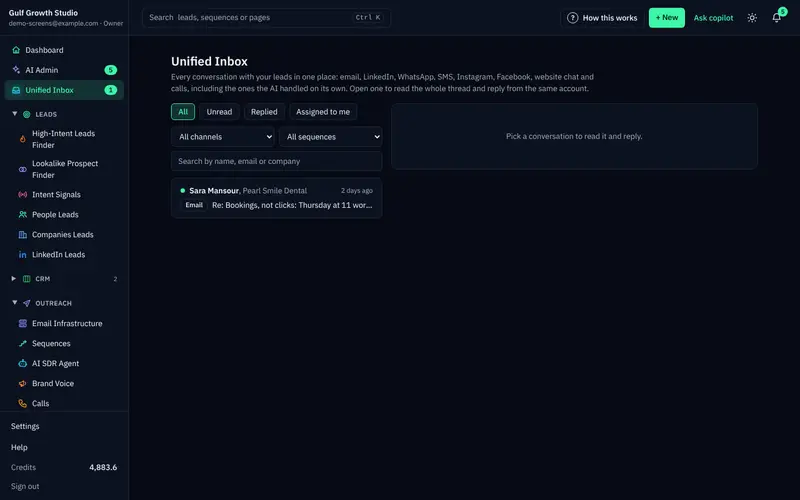
In one inbox. Every reply is read and sorted as interested, a question, an objection, not now or stop. A suggested answer waits for you, and replies to leads always wait for a person.
A reply also stops the sequence for that lead, so nobody gets a follow-up after they have answered. Booked meetings move the lead on. A built-in CRM comes at no extra cost on every plan, so conversations and stages sit in the same place.
The Unified Inbox lists every conversation with leads on email, LinkedIn, WhatsApp and more.
How many messages can you send each day?
Messages go from your own connected accounts, not a shared server, and in each lead's working hours. Daily limits keep those accounts safe.
The limits are there to protect your accounts, not as a target to hit. Deliverability checks are built in too: address checks, SPF, DKIM and DMARC health checks, and bounce handling.
What does an AI SDR with WhatsApp cost?
ZOROSDR is sold as software. Starter is $99 a month, Growth is $249 and Agency is $599. Every plan includes every channel, the AI writer, reply triage and suggested answers, both prospect finders, the AI SDR agent and the built-in CRM.
Monthly price by plan, in US dollars
The Agency plan is for teams running outreach for clients, with a client portal under the agency's own brand and domain. It includes 5 seats, 20 sending accounts, 8,000 WhatsApp Business messages and 3 client workspaces, with more at $39 a month each. For the allowances on the other plans, see the pricing page.
AI calls need the calling add-on and a call balance. Extra seats are $29 a month each on any plan.
Every new workspace starts with 100 AI-written messages, 25 prospect-finding credits and 10 WhatsApp messages, so you can test lead quality before you commit. No tool can promise replies or meetings, so judge it on what you see in the trial.
Frequently asked questions
Which AI SDR sends WhatsApp messages as well as email and LinkedIn?
ZOROSDR does. It runs email, LinkedIn invites and messages, WhatsApp Business, Instagram DMs, website chat, SMS and AI calls from one workspace, and a person approves every message.
Does ZOROSDR send WhatsApp messages to people who have not agreed?
No. WhatsApp and SMS go only to leads who agreed, and a Business number opens chats with approved templates. For legal questions about your own list, a person from the team will follow up.
Do I need a WhatsApp Business number?
It is the safest choice for outreach. You can also link a phone by QR code for free text to people who already know you.
Does the AI send WhatsApp messages on its own?
No. Every message waits in AI Admin until a person approves, edits or skips it. Replies to leads always wait for a person too.
Can I try it before paying?
Yes. The 14-day free trial includes every tool, needs no card and can be cancelled at any time.
Summary
An AI SDR can run WhatsApp alongside email and LinkedIn, as long as approval, consent, templates and opt-outs are built in. Check that it sends from your own accounts and gives you one inbox for every reply.
The next step is simple: start the free trial, or book a demo if you would like to see it with someone from the team.