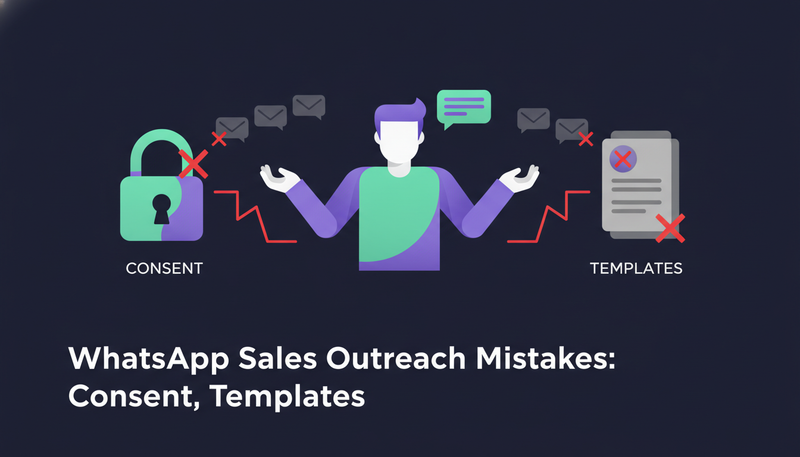
You added WhatsApp or SMS to your outreach, and now you're afraid of sending the wrong thing to the wrong person. That's a fair worry. Most WhatsApp sales outreach mistakes come down to consent, the first message, and sending too much too fast.
By the end you'll know how to record consent, how templates work, which limits to watch, and what to check before anything goes out.
Which WhatsApp sales outreach mistakes around consent come up most?
Six mistakes turn up again and again when teams add messaging apps to outreach.
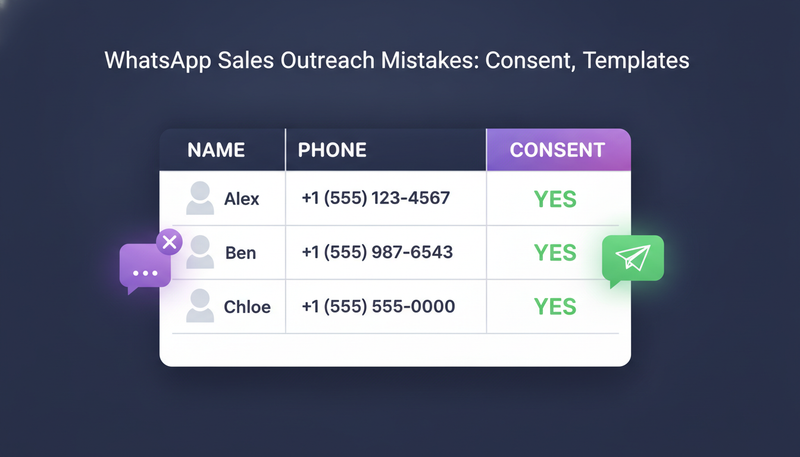
- Marking every imported lead as agreeing to WhatsApp or SMS when they never did.
- Texting or WhatsApp-ing people who didn't agree.
- Opening a WhatsApp Business chat with free text instead of an approved template.
- Writing an SMS that runs past the character limit.
- Pushing too many messages from one account in a day.
- Replying to a "stop" instead of honouring it.
None of these needs special skill to avoid. They need a few settings checked once, and a person who reads every draft before approving it. The sections below take them one at a time.
Why does consent matter more on WhatsApp and SMS than on email?
A phone is personal. A message from a stranger on WhatsApp sits next to messages from family and friends, so it gets noticed and judged fast.
That's why ZOROSDR sends WhatsApp and SMS only to leads who agreed. The tool can only respect the consent you record, so the record has to be honest.
Consent rules differ by country and by platform, and this article isn't legal advice. Our cold email compliance checklist for the UAE covers opt-outs and consent in more detail, and the team will confirm anything specific to your case.
Here's the catch: if your file says yes for everyone, the system believes it.
How do you record consent when you import leads?
Consent starts in your file. You import from a CSV or a Google Sheet, and a column saying yes to WhatsApp or text messages records that lead's consent. It only counts when the lead has a phone number.
- 1Export as CSVif your file is saved as Excel (.xlsx), export it as CSV first, or use a Google Sheet.
- 2Add a consent columna column saying yes to WhatsApp or text messages records their consent, and only with a phone number.
- 3Say yes only where it's truedon't mark the others as agreeing just to fill the column.
- 4Open "See skipped rows"rows with no email, phone or LinkedIn, or repeated in the file, are skipped, and this view shows why.
- 5Get it right the first timepeople already in your workspace are counted, not changed, so don't count on a second import to fix a wrong yes.
One more detail helps. People erased on request are left out of an import, so a lead who asked to be removed doesn't come back through an old spreadsheet.
Why can't you open a WhatsApp chat with free text?
With a WhatsApp Business number, the first message to someone needs a template that WhatsApp has approved. In ZOROSDR a WhatsApp template can't be edited. It goes word for word as WhatsApp approved it.
That changes how you write. You can't tune the wording for each lead at the last minute, so the template has to work on its own. Keep it short: who you are, one reason you're writing, one easy question.
The next step is where most teams slip. They treat a template like an email draft and expect to polish it at approval time.
Which WhatsApp connection should you use for cold outreach?
There are two ways to connect WhatsApp. You can connect a WhatsApp Business number, which is the official route. Or you can link a phone by QR code.
The difference matters most for people who have never heard of you.
| WhatsApp Business number | Linked phone (QR code) | |
|---|---|---|
| What it is | An official WhatsApp Business number | A phone you link by scanning a QR code |
| First message | Chats open with approved templates | Free text |
| Best for | Outreach, and the safest option | People who already know you |
| Credits | After the plan's monthly allowance, each message uses 3 credits | A linked WhatsApp phone isn't counted |
For strangers, use the Business number. Keep the linked phone for contacts who already know you. You can see how WhatsApp sits next to the other options on the channels page.
What limits apply to WhatsApp and SMS outreach?
Three kinds of limit matter: length, allowance and daily volume.
Length first. An SMS draft can't go past 300 characters, and the counter turns red when it's too long. Shorter reads better anyway.
Allowance next. The free trial includes 10 WhatsApp Business messages and 5 SMS. These are hard limits, and credits don't extend them. After a plan's monthly allowance, each WhatsApp Business message uses 3 credits.
Daily volume is the one people forget. In Settings, under channels, you set how much each connected account sends and when. Sequences send within the lead's local working hours and respect safe daily platform limits, which protects account health.
The same thinking applies to email and LinkedIn, and our article on multichannel sequences shows how to pace them together.
What should happen when someone replies or says stop?
A lead who writes "stop" or "unsubscribe" should never get a cheerful follow-up. In ZOROSDR, system-level rules catch those requests before the AI even reads the reply.
The sequence also stops for a lead as soon as they reply, opt out, book a meeting or move to a closing stage. Their waiting outreach drafts are withdrawn, and a reply draft appears in AI Admin instead.
Replies always wait for a person, even on auto sequences. That's the part that answers the fear of an AI sending something wrong in your name. You can read more on the guardrails page.
Before you approve a reply
- Read the lead's message above the draft.
- Check the draft states only facts you gave the AI.
- If a fact is missing, add it to the brand voice's knowledge instead of rewriting again and again.
- Make sure the lead hasn't asked to stop.
- Keep it short enough for the channel.
Approving a reply without reading the message above it is a common mistake, and an easy one to avoid.
How should WhatsApp fit into a multichannel sequence?
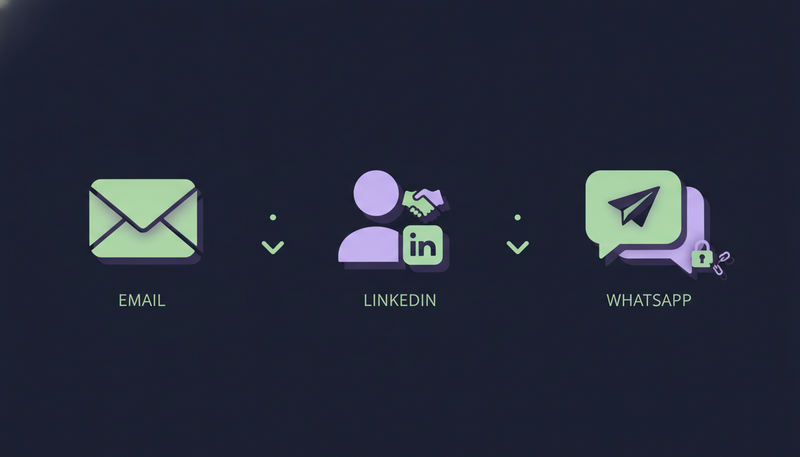
WhatsApp works best as one step among several, not the only one. A sequence can have up to 12 steps: email, LinkedIn invite, LinkedIn message, WhatsApp, SMS, AI call, or a step that finds a missing email or phone.
Each step has a wait in days and a brief for the AI. For example: one pain from their world, one line on how you help, a soft question.
Two details save trouble. A LinkedIn message after an invite waits until the lead accepts, up to 21 days. And WhatsApp and SMS steps go only to leads who agreed, so they apply to a smaller group than your email steps.
You can also write rules the way you'd brief a new salesperson, one per line. "Only contact people who..." and "Never contact..." screen outbound leads. Skipping a draft moves the lead to the next step after its wait.
One last guard: a sequence can't be turned on until the brand voice is marked Reviewed. Review it first.
What should you check before you send?
Run this list before you turn a WhatsApp or SMS step on.
Pre-send check
- Every lead on a WhatsApp or SMS step has a recorded yes.
- The file was imported as CSV or from a Google Sheet, not as .xlsx.
- People who don't know you are reached through a WhatsApp Business number.
- A person has read the template wording word for word.
- Every SMS draft is under 300 characters.
- Daily sending limits are set for each connected account.
- The brand voice is marked Reviewed.
- A person reads every draft and every reply.
Frequently asked questions
Do I need consent before WhatsApp or SMS outreach?
ZOROSDR sends WhatsApp and SMS only to leads who agreed, and you record that with a yes column when you import. Rules differ by country. For legal questions, a person from the team will follow up.
Can I write my own first message on WhatsApp?
Not with a WhatsApp Business number. The first message uses a template WhatsApp approved, and it goes out word for word. A linked phone allows free text, but it's meant for people who already know you.
How many WhatsApp and SMS messages can I send in the free trial?
The 14-day free trial includes 10 WhatsApp Business messages and 5 SMS. These are hard limits, and credits don't extend them.
What happens if a lead replies with stop?
System-level rules catch "stop" and "unsubscribe" before the AI reads the reply. The sequence stops for that lead as soon as they opt out.
Can the AI send WhatsApp messages without approval?
No. Every initial message lands in your inbox as a draft, and nothing goes out until a person approves, edits or skips it. Replies to leads always wait for a person too.
Summary
WhatsApp outreach goes wrong in predictable ways: consent marked too loosely, templates treated like email, and limits ignored. Record only real consent, use the Business number for strangers, respect the limits and read every draft.
When you're ready, start the 14-day free trial or see the pricing.