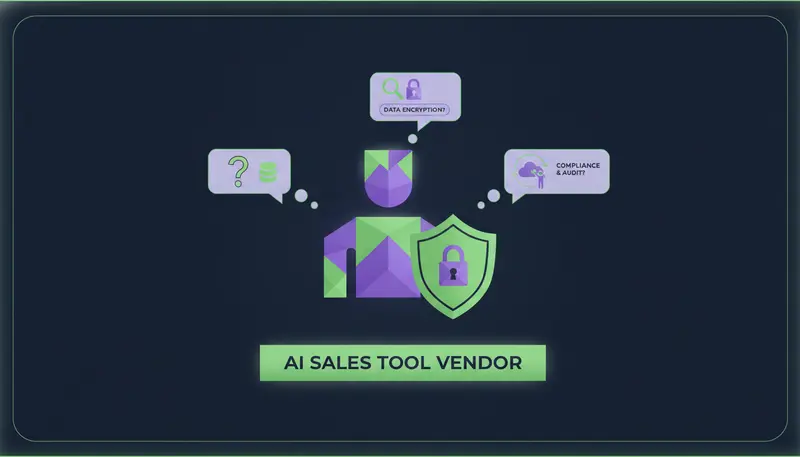
You're about to hand an AI tool your leads, your conversations and your sending accounts, and you want to know what happens to that data. The questions to ask an AI sales tool vendor about security and data privacy come down to five: how workspaces are kept apart, how credentials are protected, whether you can export your data, whether you can erase a person, and whether opt-outs are recorded.
By the end you'll have a list you can send to any vendor, what a good answer sounds like, and how ZOROSDR answers each one.
Why does security matter more with an AI sales tool?
A sales tool holds names, work emails, LinkedIn profiles and the full history of every conversation. That is personal data about people who never signed up with you, and you are responsible for it even when a vendor stores it.
An AI tool adds a second risk: it writes and sends in your name. Here's the catch: many vendor pages spend their words on what the AI does and give the data a single line about being "secure".
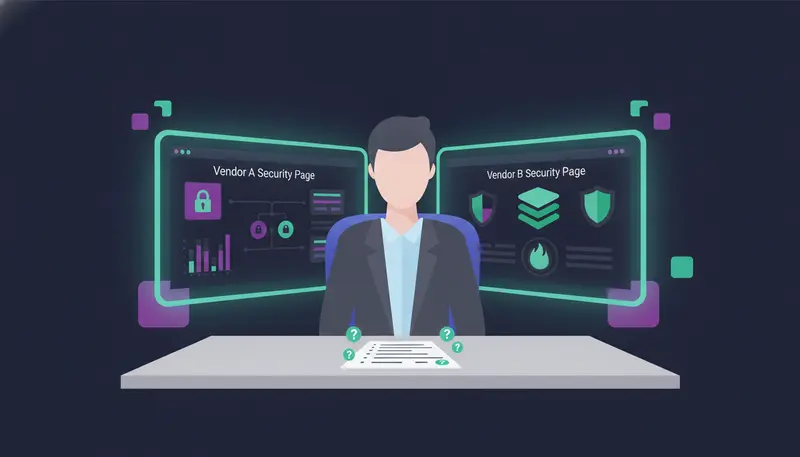
Questions to ask AI sales tool vendor about security and data privacy: the full list
Send these to every vendor on your shortlist and compare the replies side by side. A vague answer is an answer too.
Questions to send every vendor
- How are customers' workspaces kept apart from one another?
- Which roles exist, and can I limit what each person can do?
- How are connected-tool tokens and API keys stored?
- Can I export one person's data, and the whole workspace?
- Can I erase a person, and can they be imported again afterwards?
- Is there a record of opt-outs, erasures, exports and deletion requests?
- Does the tool send through my own accounts or through shared servers?
Workspace separation: how is my data kept apart from other customers' data?
"Your data is private" is not an answer. You want to hear how.
In ZOROSDR, every table is protected by row-level security and every request is checked against its workspace. The rule that keeps your leads away from another customer's is applied to the data and to each request, not only to the screens you click through.
Agencies should ask one more thing: do my clients share space? On the Agency plan each client gets their own workspace with their own leads, sequences, inboxes and brand voice, and nothing mixes between clients.
| Vague answer | Specific answer | |
|---|---|---|
| How data is separated | "Your data is private" | Names the mechanism, such as row-level security on every table |
| Requests | Not mentioned | Every request is checked against its workspace |
| Agency clients | One shared pool with filters | Own workspace per client, nothing mixed |
| Who can do what | Everyone is an admin | Defined roles with different rights |
Who inside my team can do what, and how are credentials stored?
Separation between customers is half of it. The other half is inside your own team.
ZOROSDR has owners, admins, members and viewers, plus client roles for agencies. Tokens for connected tools are encrypted before they're stored, API keys are shown once and kept only as a fingerprint, outgoing webhooks are signed, and everything travels over HTTPS.
Data export: can you take your data out?
The next step is where most teams slip. They check how data goes in and never ask how it comes out.
Ask for two things: export of one person's data, for when someone asks what you hold on them, and export of the whole workspace, in case you leave. ZOROSDR offers both. Ask the vendor to show you where the buttons are rather than describe them.
Also ask what happens when a trial ends. In ZOROSDR nothing is deleted. Sending and searching pause until an owner chooses a plan in Settings, Billing.
Erasure: what happens when someone asks to be deleted?
Erasure sounds simple until a list gets imported again. A person you removed in March shows up in a spreadsheet in May, and your tool contacts them.
So ask: can an erased person be imported again? In ZOROSDR they can't. You can also delete a whole workspace with a 30-day grace period, so a wrong click isn't final on day one.
Opt-out records: can you prove who said stop, and when?
When someone says stop, two things matter: the outreach stops at once, and you can show that it did.
ZOROSDR keeps a record of every opt-out, erasure, export and deletion request. A clear "stop" or "unsubscribe" is caught before any AI reads the reply, and every other way of saying no is caught by the reply triage. Every sequence then stops for that person, on every channel.
These tools help with the UAE's data protection law, the GDPR and anti-spam rules. They don't replace legal advice for your own situation. For the consent side, see our cold email compliance checklist for the UAE.
- 1Ask what reads the reply firsta plain stop or unsubscribe should be caught by a system rule before any AI sees it.
- 2Ask about polite refusalspeople rarely write "unsubscribe", so check how a softer no is caught.
- 3Ask about other channelsan opt-out on one should stop the steps on every channel.
- 4Ask to see the recordyou want a log of opt-outs, erasures, exports and deletion requests.
What else belongs on the list: sending and approval?
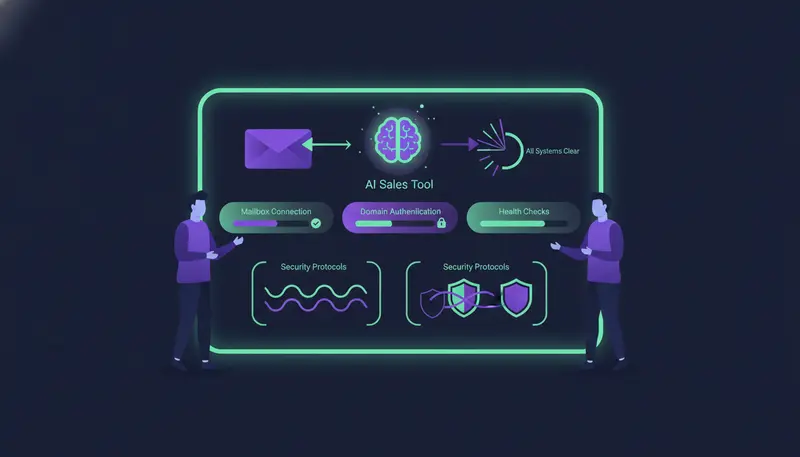
Ask whether messages go out through a shared server pool or your own accounts. ZOROSDR sends directly through your own connected accounts, such as Gmail, Outlook and LinkedIn, so there are no shared servers. It also checks SPF, DKIM and DMARC alignment and handles bounces automatically.
Approval is a privacy control too. By default every message waits for a person to approve, edit or skip it, and replies to leads always wait for a person. The AI writes only from your brand voice, knowledge base and news, and says it will confirm when it doesn't know. The guardrails page covers this in one place.
What should agencies ask on top of that?
If you run outreach for clients, their data is your responsibility too. Ask what a client's team can see, what it can change and who sees the bill.
In the ZOROSDR client portal you decide what each client's team can do, and the system refuses anything they aren't allowed to do. Clients never see a bill, and pausing a client stops everything without deleting anything. The Agency plan is $599 a month with 3 client workspaces included. The agencies page has the details.
How do you test a vendor's answers in a trial?
Answers on a web page are claims. A trial lets you check them. The ZOROSDR trial limits are small on purpose, with 1 seat, 2 sending accounts, 500 leads and 100 AI-written messages. That is enough for a careful test with a handful of real contacts.
- 1Connect one accountuse a mailbox you own and check the domain health results.
- 2Import a small listten to twenty contacts is enough to see how the workspace behaves.
- 3Read the draftsconfirm every message waits for you and nothing states a fact you didn't give it.
- 4Export one personfind the export and check what it contains.
- 5Erase a test contactthen try to import the same person again.
- 6Review the recordlook for the opt-out, erasure and export entries.
What about security questionnaires and certifications?
If your procurement team needs a formal questionnaire or a specific certification confirmed, a person from the ZOROSDR team will follow up. Email sales@zorosdr.com early, and read the security and privacy page first.
Frequently asked questions
What security questions should I ask an AI sales tool vendor?
Ask how workspaces are separated, which roles exist, how tokens and API keys are stored, and whether you can export and erase data. Then ask for a record of opt-outs and whether messages go through your own accounts.
How should an AI sales tool handle opt-outs?
A clear stop or unsubscribe should be caught before any AI reads the reply. Other ways of saying no should be caught by reply triage, and every sequence should stop for that person on every channel.
Can I erase a person's data from an AI sales tool?
In ZOROSDR you can export or erase a person, and erased people can't be imported again. You can also export the whole workspace or delete it with a 30-day grace period.
Does ZOROSDR keep customers' data separate?
Yes. Every table is protected by row-level security and every request is checked against its workspace. Agency clients each get their own workspace, and nothing mixes between clients.
Summary
Good answers on security and data privacy are specific. They name how workspaces are separated, show export and erasure in the product, and keep a record of every opt-out.
The next step is simple. Start the 14-day free trial and run the test above, or book a demo and bring your questions.