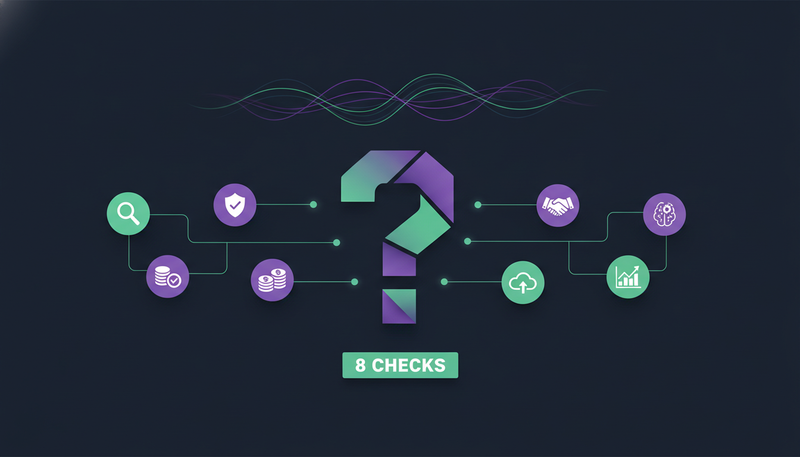
You've watched three AI SDR demos, and each one looked polished. What none of them showed is what happens when the software writes to a customer in your name and gets it wrong. The questions to ask before buying AI SDR software come down to eight checks: approval, facts, opt-outs, sending accounts, channels, voice, cost and where the work lives.
By the end you'll have those eight questions, what a good answer sounds like, and a one-page scorecard for your next vendor call.
Questions to ask before buying AI SDR software
Most buying guides compare feature lists. That misses where AI outreach goes wrong. The risk is rarely that a tool can't send. It's that it sends something you would never have written.
Below are eight questions, in the order we'd ask them. For each, we describe a good answer and show how ZOROSDR handles it, so you have something concrete to measure other providers against.
1. Does a person approve every message before it goes out?
Start here. Ask the provider to show you the exact moment a message leaves, and who has to click.
In ZOROSDR, every initial message lands in your inbox as a draft. You approve, edit or skip it, and nothing is sent until a person says so. Your edits are what goes out. You can let a sequence send its own messages if you choose, but replies to leads always wait for a person.
| Draft-first | Sends on its own | |
|---|---|---|
| Who decides a message goes out | A person, one draft at a time | The software, on a schedule |
| Where edits happen | Before sending, and your edit is what goes out | After the fact, if at all |
| Replies from leads | Wait for a person | Ask the provider |
| Fits best | Teams that want control from day one | Teams with proven messages and tight rules |
Here's the catch: “human review” can mean very different things. Ask whether it covers first messages only, or replies too. Replies are where an AI could promise a date or a discount nobody agreed to. Our guardrails page explains how approval, facts and opt-outs fit together.
2. What does the AI do when it doesn't know a fact?
A tool that writes fluent emails can also write fluent mistakes: a price you don't charge, a case study that doesn't exist, a feature you haven't built. So ask how the writer is limited.
A good answer: it writes only from your brand voice, your knowledge base and your news, and when it doesn't know something, it says it will confirm. In ZOROSDR, the knowledge section holds services, prices, case studies and FAQs. If something isn't there, the AI says it will confirm instead of guessing.
One more detail. What you put in is what gets quoted. In ZOROSDR, anything you add to the “Proof” field of a brand voice can be quoted by the AI, so only add results you can back up.
3. How does it handle opt-outs and “stop” replies?
Compliance stops being boring the day someone replies “unsubscribe” and gets another email. Ask whether opt-outs depend on the AI's judgment or on fixed rules.
In ZOROSDR, a clear “stop” or “unsubscribe” is caught before any AI reads the reply. Every other way of saying no is caught by reply triage, which sorts each reply as interested, a question, an objection, not now or stop. Either way, every sequence stops for that person, on every channel.
For legal or security questionnaires, a person from our team follows up. Ask any provider the same thing early, not the week you want to sign.
4. Whose accounts and domains do the messages go from?
Deliverability is where many outreach tools quietly cost you. Ask whether messages leave through the provider's shared servers or through your own connected accounts.
ZOROSDR sends directly through your own accounts, such as Gmail, Outlook and LinkedIn, with no shared servers. Your outreach inherits your own domain authority. The flip side: that reputation is yours to protect.
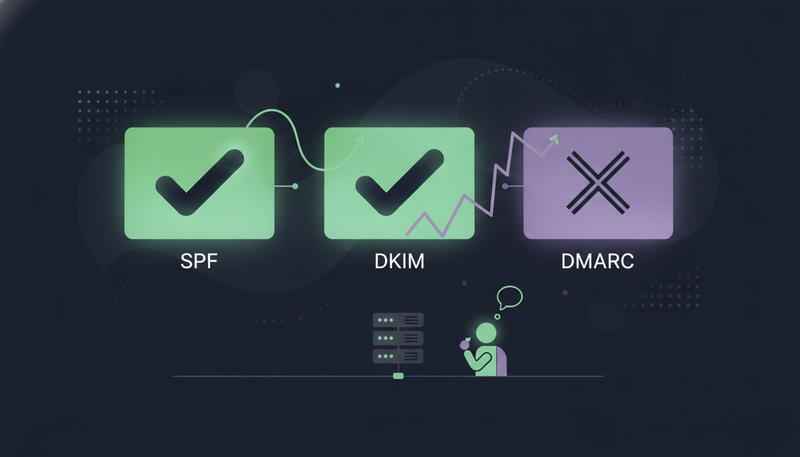
That's why built-in checks matter. Look for validation of SPF, DKIM and DMARC alignment, plus automated bounce handling. We compare the two setups in own mailbox vs shared sending server.
Also ask about limits. Sequences should send within the lead's local working hours and stay inside safe daily platform limits, so your accounts stay healthy.
5. Which channels does it cover, and are they one sequence?
Buyers differ. Some answer on LinkedIn, some on WhatsApp, some only on email. Ask whether the channels run as one sequence in one workspace, or as separate tools stitched together.
ZOROSDR runs email, LinkedIn invites and messages, WhatsApp Business, Instagram DMs, website chat, SMS and AI phone calls in one sequence. A reply stops the sequence and gets answered. The channels page shows each one.
Channel check for any provider
- Email, sent from your own mailbox
- LinkedIn invites and messages
- WhatsApp Business
- Instagram DMs
- Website chat
- SMS
- AI phone calls
- One sequence across all of them, not separate tools
Don't pay for channels you won't use. But check that adding one later doesn't mean another tool, another login and another inbox.
6. How does it learn your voice, and who signs it off?
Generic messages are the usual fear with automation. So ask how the tool learns your tone.
ZOROSDR reads your website and drafts your offer, proof points and tone. You review it once, and from then on it states only facts you gave it. A sequence can't go live with an unreviewed voice: you tick “Reviewed” and save.
The next step is where most teams slip. If you read the website again and don't review, the voice goes back to “Needs review”, and sequences wait until you check it.
- 1Add your factsput in services, prices and FAQs, because the AI only states what it has.
- 2Review the voiceread the tone, offer and proof, edit what's off, then tick “Reviewed”.
- 3Search the knowledgeask a real customer question and see what the AI would find.
- 4Read the first draftscheck they sound like you and state nothing you didn't provide.
- 5Edit before you approveyour edit is what goes out, so fix anything off now.
Each draft gets the facts that match it best, not all of them. So clear, specific facts help more than vague ones.
7. What does it cost, and what can you test first?
Monthly price rarely tells the whole story. Ask what's included, what uses credits, and what happens when you reach a limit.
ZOROSDR offers a 14-day free trial of every tool, no card needed, and you can cancel any time. A built-in CRM is included at no extra cost on every plan, and the AI SDR agent runs every day within a credit budget you set.
Those sandbox credits exist so you can judge lead quality and draft quality before you pay. Ask any provider for an equivalent test, run on your own market rather than a canned demo list.
Monthly plan price in US dollars
After the trial, the plans are Starter at $99, Growth at $249 and Agency at $599 a month. For agencies, 3 client workspaces are included, with more at $39 a month each.
Limits are worth asking about too. Website chat replies per month are 300 on Starter, 1,500 on Growth and 5,000 on Agency. After that a person takes new messages until the month turns, and no credits are used. See the pricing for the full picture.
8. Where do replies, leads and the CRM live, and who else can use it?
Leads, conversations and follow-ups spread across too many tools is a common complaint. Ask whether drafts, replies and live chats arrive in one inbox, and whether the CRM costs extra.
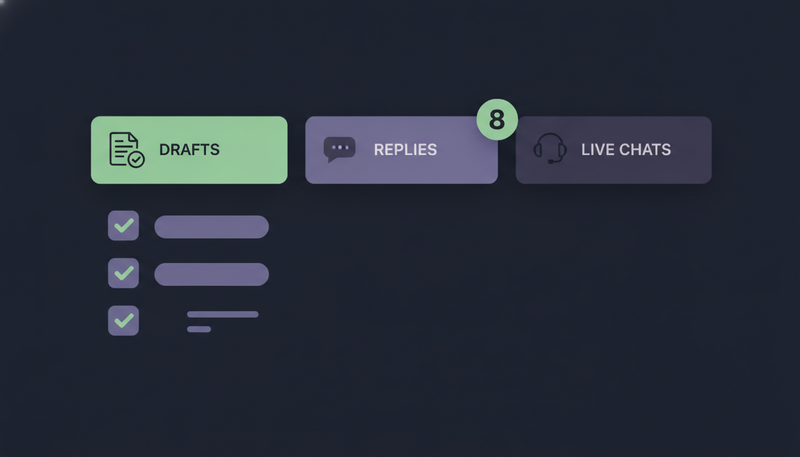
In ZOROSDR, AI Admin is the desk for everything that needs a person, in three tabs: “To approve”, “Replies” and “Live chats”. The Unified Inbox shows every conversation, including the ones the AI handled on its own. The CRM is built in.
If you plan to connect other tools, ask what they can do. In ZOROSDR, API keys can read and change leads and sequence members, but can't approve or send. That stays with a person.
Agencies have an extra question: can each client have their own space without you hiring more people? ZOROSDR gives agencies a client portal under their own brand and domain. Billing, team, integrations and developer settings stay with the agency, clients never see a bill, and pausing a client stops everything without deleting anything.
A scorecard for your vendor call
Give each provider a column and mark every answer as clear, vague or missing. A vague answer to the first three questions should weigh more than any feature.
Questions to put to every provider
- Does a person approve every message, and every reply, before it goes out?
- What does the AI say when it doesn't know a fact?
- Is an opt-out a system rule that stops every channel?
- Do messages go from my own accounts or shared servers?
- Are SPF, DKIM, DMARC and bounces checked for me?
- Do all channels run in one sequence?
- Who reviews my brand voice before anything goes live?
- Can I test with real data, with no card, before paying?
Frequently asked questions
What questions should I ask before buying AI SDR software?
Ask who approves each message and each reply, what the AI does when it lacks a fact, how opt-outs work, whose accounts the messages leave from, which channels run in one sequence, how your voice is reviewed, what it costs, and where replies and leads live.
Should an AI SDR send messages without approval?
Start with approval. In ZOROSDR every message waits for a person by default. You can let a sequence send on its own later, but replies to leads always wait for a person.
How can I tell if an AI SDR makes up facts?
Ask it a question your knowledge doesn't cover. A safe tool says it will confirm. In ZOROSDR the AI writes only from your brand voice, knowledge base and news.
Can I try an AI SDR before paying?
ZOROSDR has a 14-day free trial of every tool, no card needed. Each new workspace gets 100 AI-written messages, 25 prospect-finding credits and 10 WhatsApp messages.
Summary
Check control first: approval, facts and opt-outs. Then check sending accounts, channels, voice, cost and where the work lives. The quickest way to test all eight is to try it, so start the 14-day free trial and read the drafts before anything goes out.