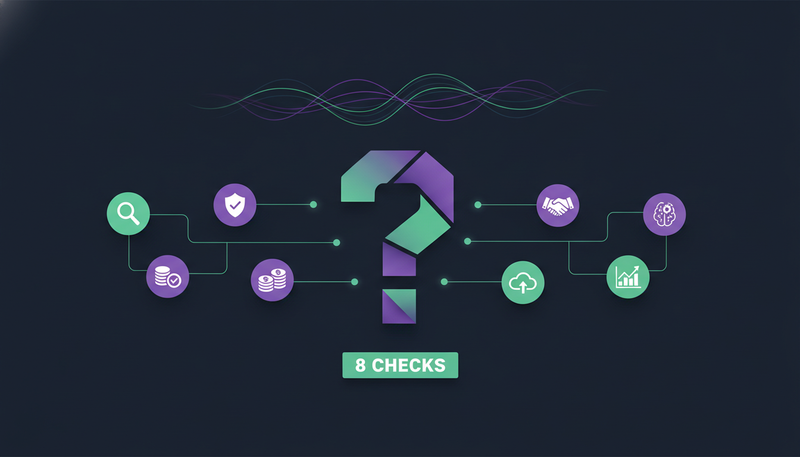
We're afraid an AI will send something wrong in our name. It's a fair worry, and it's the right place to start. The questions to ask before buying AI SDR software are about control: who approves each message, what the AI may say, and whose accounts it sends from.
Below are eight questions to put to any vendor, with the answers ZOROSDR gives so you have something to compare against.
The questions to ask before buying AI SDR software
Every AI SDR page lists the same things: it finds leads, writes messages, books meetings. That tells you how the tool behaves on a good day. It says little about a bad one.
These questions test for the bad day. The first three protect your name, the next three protect your accounts and your time, and the last two cover control and cost.
Here's the catch: a vague answer is an answer. If a vendor can't say where approval happens or whose servers carry your mail, treat that as information.
The eight questions in one list
- Does a person approve every message before it goes out?
- What does the AI do when it doesn't know a fact?
- How are “stop” and “unsubscribe” handled?
- Which accounts and domain does it send from?
- Does it check domain health and respect platform limits?
- Which channels does it cover, and where do replies land?
- How much of the daily work can you steer and cap?
- What can you test before you pay?
1. Does a person approve every message before it goes out?
Start here, because it decides how much risk you carry. In ZOROSDR, every message your AI drafts lands in AI Admin and waits. A person approves, edits or skips it, and what you edit is what goes out.
Replies to leads wait for a person too, always. You can choose to let a sequence send its messages on its own, but that is a choice you make, not the starting point.
When you ask a vendor, check two things: is approval the default, and does it cover replies? The guardrails page shows how ZOROSDR answers both.
| Good answer | Worrying answer | |
|---|---|---|
| Default setting | Every message waits for a person | Messages send unless you switch approval on |
| Replies | Always wait for a person | The AI answers leads on its own |
| Your edits | The edited text is what goes out | The original text goes out anyway |
2. What does the AI do when it doesn't know a fact?
An AI that fills gaps will eventually invent a price, a client or a promise in your name. Ask how the tool stops that.
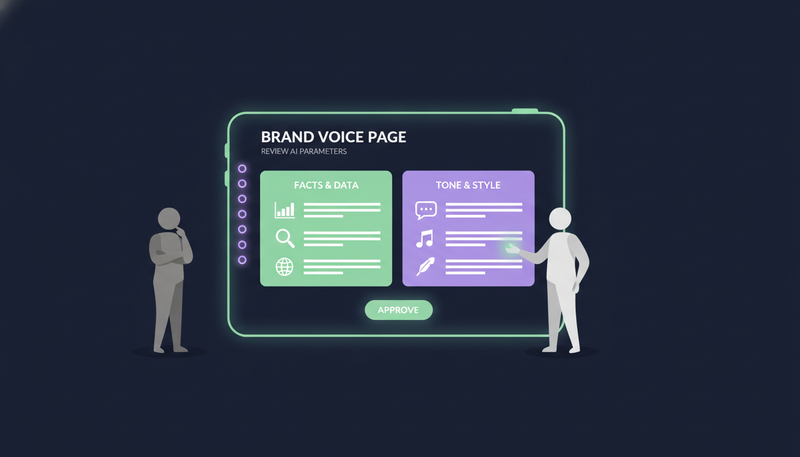
ZOROSDR writes only from your brand voice, your knowledge base and news. If it doesn't know a fact, it says it will confirm instead of guessing. It reads your website, drafts your offer, proof points and tone, and you review it once.
You can add facts yourself: services, prices, case studies, FAQs. A new fact is searchable within a minute, and “Search the knowledge” shows what the AI would find for a question.
The part that is on you
The AI quotes what you give it, so what you give it matters.
3. How are opt-outs handled?
Compliance is where an automated tool can do real damage. A follow-up sent to someone who said stop is hard to explain.
In ZOROSDR, opt-outs are absolute. A clear “stop” or “unsubscribe” is caught by system rules before any AI reads the reply. Every other way of saying no is caught by reply triage, which sorts each reply into interested, a question, an objection, not now or stop. Either way, every sequence stops for that person, on every channel.
The point to check is where the rule sits. If the AI decides whether “stop” means stop, it can get it wrong. If a rule catches it first, it can't. For local rules, see our cold email compliance checklist for the UAE.
- 1Ask where the rule sitsfind out whether a fixed rule catches “stop” before the AI reads the reply.
- 2Ask about channelsa stop on email should also end LinkedIn, WhatsApp and the rest.
- 3Ask about soft refusals“not now” and “not interested” need handling too, not only the word unsubscribe.
- 4Test it in the trialreply “stop” to your own test sequence and check that nothing else arrives.
4. Which accounts and domain does it send from?
Your sender reputation is an asset, and a tool can spend it quickly. Ask whose accounts carry the messages.
ZOROSDR sends directly through the accounts you connect, such as Gmail, Outlook and LinkedIn. There are no shared servers, so your outreach inherits your own domain authority.
That cuts both ways: your domain gets the credit and the blame. We go deeper in your own mailbox vs a shared sending server.
| Own connected accounts | Shared sending server | |
|---|---|---|
| Where messages are sent from | Your Gmail, Outlook or LinkedIn account | The provider's servers |
| Domain authority | Your own | The shared server's |
| What to ask the vendor | Which accounts did I connect? | Whose servers carry my mail? |
5. Does it protect domain health and account limits?
Sending from your own accounts is only safe if the tool respects them. Ask what it checks and what it holds back.
ZOROSDR has built-in validation for SPF, DKIM and DMARC alignment, plus automated bounce handling. Sequences send within the lead's local working hours and stay inside safe daily platform limits, which protects account health.
Notice what's missing: any promise about inbox placement. No honest vendor can guarantee where your mail lands, so ask about the checks, not the outcome.
That's five of the eight. The last three are about how much you can see, steer and test.
6. Which channels does it cover, and where do replies land?
Leads, conversations and follow-ups spread across too many tools is a cost people forget to count. Ask where everything lives.
One sequence, every channel
ZOROSDR runs email, LinkedIn invites and messages, WhatsApp Business, Instagram DMs, website chat, SMS and AI phone calls in one sequence, in one workspace.
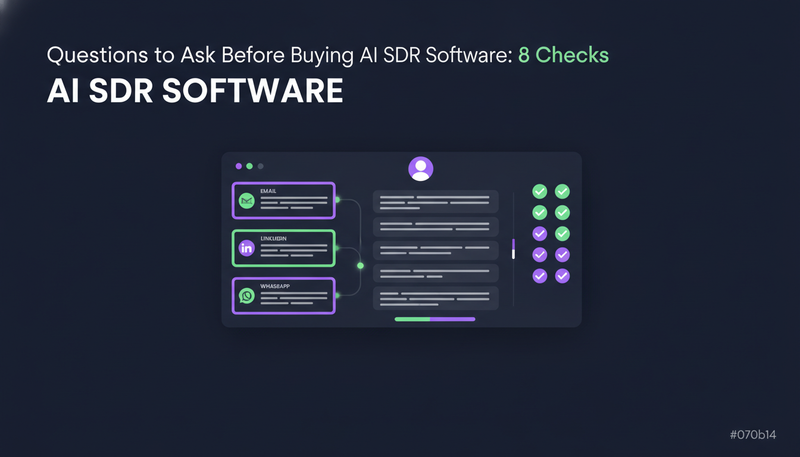
One place for drafts and replies
AI Admin collects what only a person should decide in three tabs: “To approve”, “Replies” and “Live chats”. The Unified Inbox shows every conversation, including the ones the AI handled on its own. A built-in CRM comes at no extra cost on every plan.
What to look for in the inbox
- Drafts waiting for approval sit in one list
- Replies flagged for a person are separate from the rest
- Live website chats handed over to a person show up there too
- Every conversation, on every channel, can be read in one place
- Leads and follow-ups live in a CRM included in the price
7. How much of the daily work can you steer and cap?
A tool that works every day needs a limit you set. ZOROSDR's AI SDR agent runs every day within a credit budget you set.
It has two prospect finders. The Lookalike Prospect Finder finds more companies and people like your best customers. The High-Intent Leads Finder finds people at companies in a buying moment. Each one is ranked by fit with a reason, and it never pays twice for the same person.
Control extends to access. API keys can read and change leads and sequence members, but can't approve or send. That stays with a person.
Website chat has limits too
Each plan includes a number of AI chat replies a month. After that, a person takes new messages until the month turns, and no credits are used. One visitor address can start up to 3 chats an hour and 10 a day, so nobody can use up your replies with a script.
AI chat replies included each month, by plan
Ask any vendor for the equivalent: what is capped, and what happens when the cap is reached.
8. What can you test before you pay?
The last question is commercial. A tool that's sure of itself lets you try it first.
ZOROSDR has a 14-day free trial of every tool, no card needed, and you can cancel at any time. Every new workspace also starts with credits to test lead quality:
After the trial, Starter is $99 a month, Growth is $249 and Agency is $599. The pricing page shows what each includes.
If you run outreach for clients
Agencies get a client portal under their own brand and domain. Three client workspaces are included, and more cost $39 a month each. Clients never see a bill, and pausing a client stops everything without deleting anything.
- 1Set up your voicelet it read your website, review the result once and tick “Reviewed”.
- 2Add factsinclude the services, prices and FAQs you want used, and nothing you can't back up.
- 3Find a small listspend the prospect-finding credits on a handful of people you'd really contact.
- 4Read every draftapprove, edit or skip each one in AI Admin and note what you change.
- 5Test a reply and a stopcheck that replies wait for a person and that a stop ends the sequence.
- 6Decide on evidencepick a plan only after you've seen drafts and replies handled the way you want.
Frequently asked questions
What should I ask before buying AI SDR software?
Ask whether a person approves every message, what the AI does when it lacks a fact, how opt-outs are handled, which accounts it sends from, how it protects domain health, which channels and inbox it covers, what you can cap, and what you can test before paying.
Is it safe to let an AI send outreach in my name?
It depends on the controls. In ZOROSDR every message waits in AI Admin for a person to approve, edit or skip, and replies to leads always wait for a person. The AI writes only from facts you gave it and says it will confirm when it doesn't know.
Does AI SDR software send from my own email account?
In ZOROSDR, yes. Messages go through the accounts you connect, such as Gmail, Outlook and LinkedIn, with no shared servers, so your outreach uses your own domain authority.
Can I try ZOROSDR before paying?
Yes. There is a 14-day free trial of every tool with no card needed, and you can cancel at any time. Every new workspace gets 100 AI-written messages, 25 prospect-finding credits and 10 WhatsApp messages. After the trial, plans are Starter at $99, Growth at $249 and Agency at $599 a month.
Summary
The questions to ask before buying AI SDR software come down to control: who approves, what the AI may say, whose accounts it uses, and what you can cap and test. A tool that answers all eight plainly is easier to trust.
The next step is simple. Start the 14-day free trial and check the answers yourself, or talk to the team if you want a demo first.