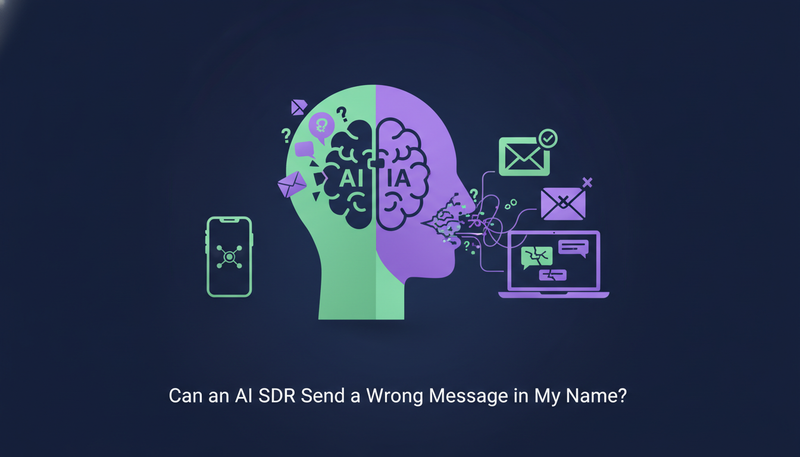
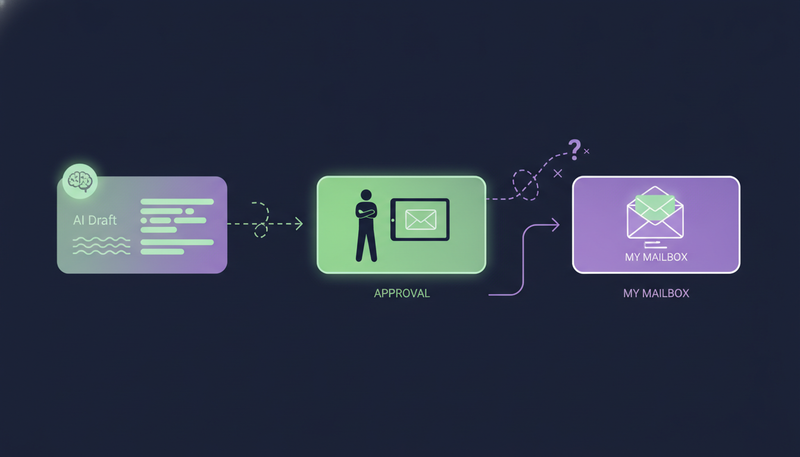
You give an AI your name, your offer and your list, and one worry follows: what if it sends something wrong to someone who matters? So, can an AI SDR send a wrong message in my name? In ZOROSDR, every message waits for a person by default, so a bad draft is something you catch, not something a prospect reads.
Below you'll see how approval drafts, a locked brand voice and automatic opt-out catching work, and what you still have to check yourself.
Can an AI SDR send a wrong message in my name?
It can write a draft you wouldn't send. Any writer can, human or not. The real question is whether that draft can reach a lead without you seeing it.
In ZOROSDR, three things stand between the AI and your prospect. Each message lands in your inbox as a draft first. The AI writes only from facts you gave it. And a "stop" request is caught by the system before any AI reads it.
None of this removes your responsibility. It changes the job from writing every message to reading and approving them.
| A tool with no approval step | ZOROSDR by default | |
|---|---|---|
| Who sees a message first | The lead | You, as a draft in AI Admin |
| Facts in the message | Whatever the AI decides to write | Only your brand voice and knowledge; otherwise it says it will confirm |
| Replies to leads | Depends on the tool | Always wait for a person |
| A "stop" request | Depends on the AI reading it correctly | Caught before any AI reads the reply |
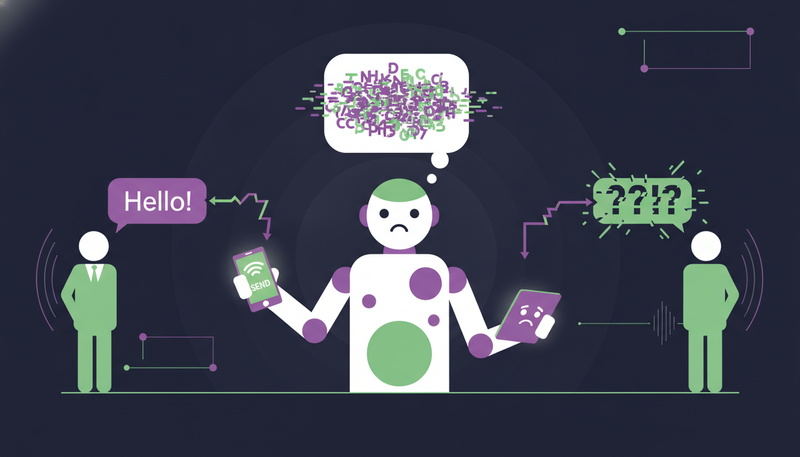
What can go wrong when AI writes your outreach?
Four worries come up most, and each one maps to a safeguard.
- A wrong fact, such as a price or feature you never gave it. The brand voice handles this.
- A wrong tone, meaning copy that doesn't sound like you. Your edit in the draft handles this.
- A wrong moment, such as a follow-up to someone who already said no. Opt-out catching handles this.
- A wrong format, such as a LinkedIn invite that runs too long. Character counters handle this: invites are limited to 280 characters and SMS to 300, and the counter turns red when a draft is too long.
Here's the catch: a safeguard you can't see is just a promise. Each one above is a setting or a screen you can open and check.
How do approval drafts work?
Every message your AI drafts waits in AI Admin, the desk for everything that needs a person. It has three tabs: To approve, Replies and Live chats. Open it once or twice a day and empty the tabs from left to right.
Each card shows the lead's details and a "Why this draft" note, so you can see why the AI wrote what it wrote. Whatever you edit in the card is what goes out.
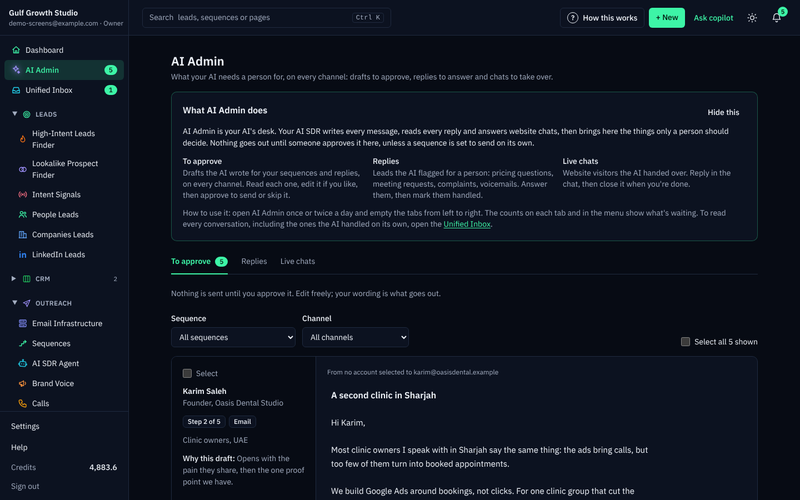
Some cards have their own rules. A WhatsApp template can't be edited, because it goes word for word as WhatsApp approved it. An AI call card is a brief for your AI caller, not a message the lead reads.
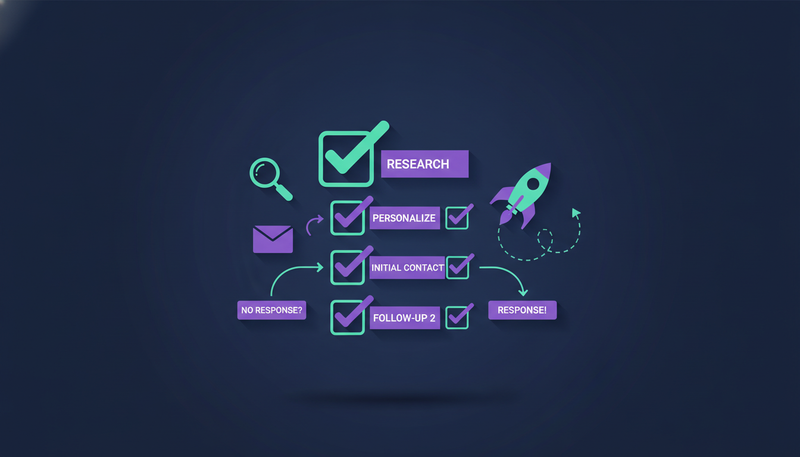
- 1Read the cardcheck the lead's details and "Why this draft" before anything else.
- 2Editchange the subject or text right in the card if something is off.
- 3Approvepress "Approve and send", or "Approve and call" for an AI call.
- 4Ask for a rewritesay what to change, for example "shorter, mention the case study". A draft can be rewritten up to 5 times, and each rewrite counts as an AI-written message.
- 5Skip"Skip this step" moves the lead on to the next step after its wait.
The next step is where most teams slip: approving a reply without reading the lead's message quoted above it. Read that first, every time.
Does a locked brand voice stop the AI inventing facts?
The brand voice is who your AI writes as: your offer, your proof, your tone and the facts it may use. It never states anything that isn't there. If it doesn't know something, it says it will confirm rather than guess.
That is what "locked" means here. The AI stays inside what you gave it, and the approval step lets you check the result.
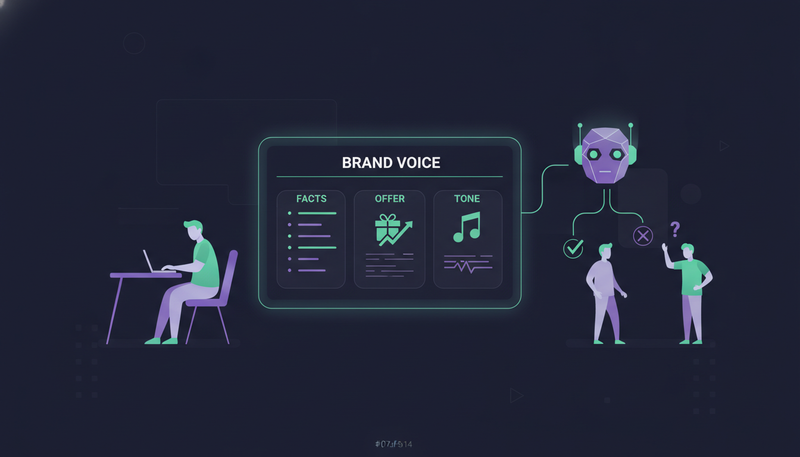
Setting it up takes a few minutes. If a website is set, "Read the website again" fills most fields in about a minute. Then check every field, add a sender name and signature, add your booking link if you have one, tick "Reviewed" and press "Save persona".
The review is not optional. Sequences can't go live with an unreviewed voice, and turning one on before then is refused. Reading the website again also sets the voice back to "Needs review", so tick it again.
There's one more check on style. The AI never uses words that make a message read as machine-written. A draft that does is written again, then marked "Check before sending".
What happens when a lead says stop?
A clear "stop" or "unsubscribe" is caught by system-level rules before any AI reads the reply. Every other way of saying no, such as a polite decline, is caught by the reply triage. Either way, every sequence stops for that person, on every channel.
Sequences also stop when a lead replies, books a meeting or moves to a closing stage. Every reply is read and sorted: interested, a question, an objection, not now or stop.
That is why the stop rule doesn't depend on the AI's judgment. A person's no is not something the AI gets to weigh up.
Can replies to leads go out without a person?
No. Replies to leads always wait for a person, even on a sequence set to send its own messages. You can choose that setting for outreach steps, but "I approve every message" is the recommended one.
When a lead replies, their waiting outreach drafts are withdrawn and a reply draft appears in AI Admin instead. API keys follow the same rule: they can read and change leads and sequence members, but they can't approve or send. The guardrails page lists them in one place.
How do you review many drafts without rubber-stamping?
Approval only protects you if you read what you approve. AI Admin helps: filter by sequence or channel so you work through one kind of draft at a time, and tick "Select" to act on several cards together.
There are limits on how many cards you can handle at once.
Cards AI Admin handles in one batch
Keep batches small enough to read properly. It also helps to leave at least 2 to 3 days between emails in a sequence, so you aren't approving a pile of near-identical follow-ups. Our outreach sequence setup checklist covers the rest of the first launch.
Where do messages come from, and does that protect my domain?
Messages go out through your own connected accounts, such as Gmail, Outlook and LinkedIn. There are no shared servers, so your outreach inherits your own domain authority.
Domain health is built in: checks for SPF, DKIM and DMARC alignment, plus automated bounce handling. Sequences also send within the lead's local working hours and respect safe daily platform limits. If you want the detail, read cold email from your own mailbox versus a shared sending server.
One habit protects you further: send outreach from a separate domain, not your main company domain, so your everyday email stays safe.
Before your first sequence goes live
- Brand voice reviewed, ticked "Reviewed" and saved
- Sender name and signature filled in
- "I approve every message" selected
- Outreach set up on a separate domain
- SPF, DKIM and DMARC checks passing
- At least 2 to 3 days between emails
- Only real, provable results in Proof
- Sequence saved before pressing "Turn on sequence"
Can I test all of this without risk?
Yes. The trial gives you every tool for 14 days with no card, and you can cancel any time. Every new workspace also starts with sandbox credits, so you can judge draft quality before you rely on anything.
Here is a simple test. Leave one fact out of the knowledge base on purpose, then read the draft. You will see for yourself whether the AI guesses or says it will confirm.
What do you still have to check yourself?
Three things stay with you. First, the facts you provide: if the knowledge is wrong, the AI will write it faithfully. Second, the decision to approve: the queue protects you only when someone reads it. Third, your sending setup: a separate domain and sensible gaps between steps.
That's a fair trade. You stop writing every message from scratch, and you keep the final say on every one.
Frequently asked questions
Can an AI SDR send a message without my approval?
By default, no. Every message waits for a person to approve, edit or skip it. You can choose to let a sequence send its own messages, but replies to leads always wait for a person.
What stops the AI from making up facts?
It writes only from your brand voice, knowledge base and news. If it doesn't know something, it says it will confirm. You can also check every draft before it goes out.
What happens if someone replies "stop"?
A clear "stop" or "unsubscribe" is caught before any AI reads the reply. Other ways of saying no are caught by the reply triage. The sequence then stops for that person on every channel.
Does ZOROSDR send from shared servers?
No. Messages go out through your own connected accounts, such as Gmail, Outlook and LinkedIn, so your outreach inherits your own domain authority.
Summary
A wrong message needs a path to your prospect, and ZOROSDR closes that path with a draft queue, a brand voice the AI can't step outside, and stop rules that run before any AI reads a reply. You keep the final say.
The next step is simple: start the 14-day free trial and read your first drafts, or book a demo if you'd like the team to walk you through it.