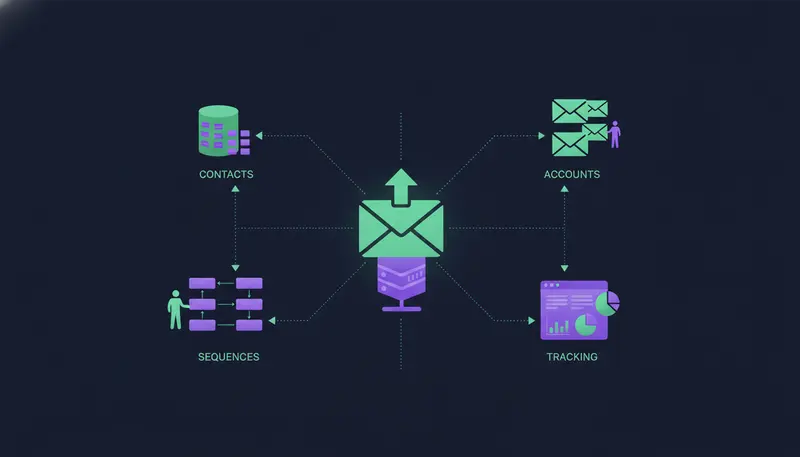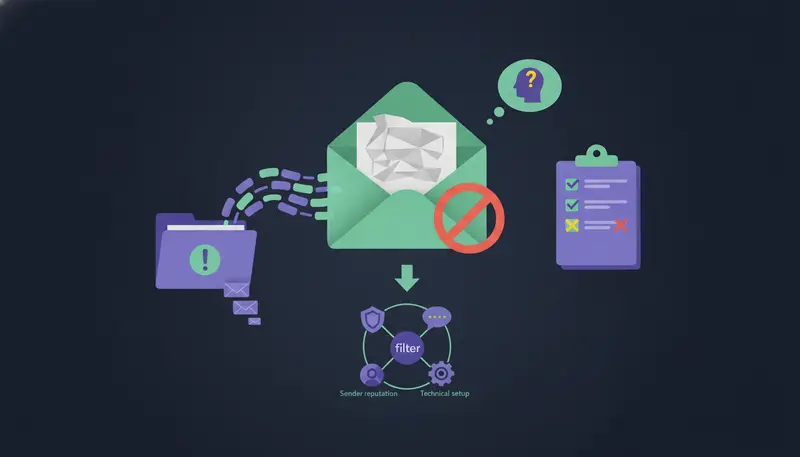
Why are my cold emails going to spam when the message reads like something a normal person would send? Six causes explain most cases: missing DNS authentication, high bounce rates, unverified lead lists, spam-trigger HTML and links, sudden volume spikes, and a blacklisted domain. Work through them in that order and you remove the usual reasons a mailbox provider stops trusting you.
By the end you will have a diagnostic table, a short test to run today and a checklist for every campaign.
Quick diagnostic table: symptom, root cause and immediate fix
Find the symptom closest to yours, then read the matching section. Most teams have more than one cause at once, so don't stop at the first match.
| Symptom | Likely root cause | Immediate fix |
|---|---|---|
| Junk folder from the very first send | Missing or misaligned SPF, DKIM or DMARC | Publish the records and check they line up with the sending domain |
| Bounce messages keep arriving | High bounce rate from old or guessed addresses | Pause, remove bad addresses, verify the list |
| Some providers accept, others reject | Unverified lead list of mixed quality | Verify before sending and drop rows without a usable address |
| Fine in plain tests, junk with your real template | Spam-trigger HTML, images or links | Cut it back to plain text with one link at most |
| Worked for a week, then dropped | Sudden volume spike | Reduce volume, then build up in steps |
| Rejections that name a block list | Blacklisted domain or sender | Stop sending, find the cause, request removal |
Each row is covered below. First, a way to confirm you have a spam problem at all.
How can I tell if my cold emails are really going to spam?
Low replies don't prove a junk folder. A weak message gets silence too. So test before you change anything.
- 1Send test emailssend from the mailbox you use for outreach to a few personal accounts at different providers, and note where each one lands.
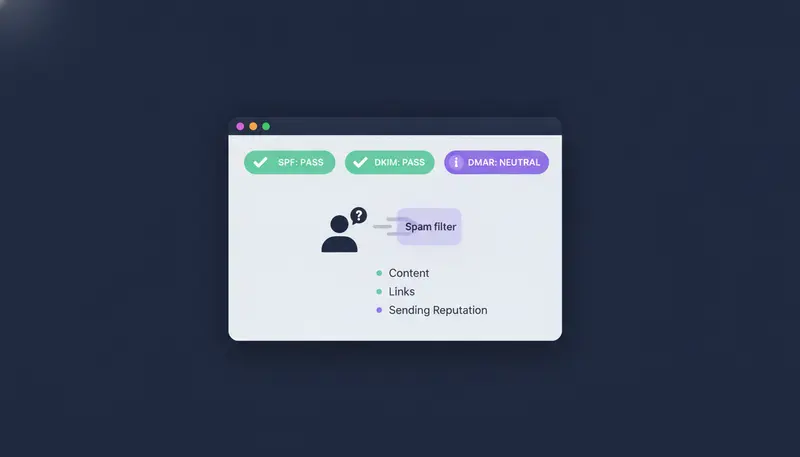
- 2Read the headersopen the original message in the receiving account and look at the SPF, DKIM and DMARC results.
- 3Count the bouncesread the bounce messages. They say whether the address was bad or the server refused you.
- 4Look up your domainsearch it on a block list checker to see whether it is listed.
- 5Compare versionssend a plain text version next to your usual template and see whether the formatting is the trigger.
Here's the catch: a test sent to your own inbox can pass while real prospects' servers say no, because your own account already knows you. Treat the test as a clue, not a verdict.
Mixed results across providers usually point to list quality or reputation. A fail everywhere points to authentication.
What are the technical authentication errors behind spam placement?
Three DNS records tell receiving servers that you are allowed to send for your domain. SPF lists the servers that may send. DKIM adds a signature that shows the message wasn't changed on the way. DMARC tells receivers what to do when the first two fail.
Missing records are the most common cause and the cheapest to fix. A close second is a mismatch: the records exist, but the domain in the From line doesn't line up with them.
If the terms are new, SPF, DKIM and DMARC explained in plain English walks through each record with a checklist.
Authentication checks
- One SPF record published for the sending domain
- DKIM signing switched on for every mailbox you send from
- A DMARC record published, with a reporting address someone actually reads
- The domain in the From line aligns with the domains used by SPF and DKIM
- Records checked again after any change of mail provider
- A few test messages sent after each DNS change
ZOROSDR includes built-in validation checks for SPF, DKIM and DMARC alignment, plus automated bounce handling. A broken record shows up in a check instead of in your results weeks later.
Do high bounce rates and unverified lists send emails to spam?
Yes, and once DNS is fixed they are often the biggest cause. Each bounce tells the receiving provider you wrote to an address that doesn't exist. Do it often and you look like someone who bought a list.
Providers and sending tools set their own bounce thresholds, so check the guidance from yours instead of trusting one magic number. What doesn't change is the direction: lower is better, and a rising trend is a warning.
Unverified lists are the usual source. Old exports, guessed addresses and scraped data all carry dead mailboxes. The fixes are plain:
- Verify addresses before the first send, not after the first bounce.
- Remove hard bounces straight away and never retry them.
- Drop rows without a usable email. When you import a CSV or Google Sheet into ZOROSDR, rows with no email, phone or LinkedIn, or repeated in the file, are skipped, and the See skipped rows view shows why.
Can spam-trigger HTML and links get my emails filtered?
Content is rarely the only cause, but it can tip a borderline message into the junk folder. Cold email should look like one person writing to another.
Heavy HTML templates, large images, link shorteners and urgent all-caps subject lines read like a mass mailing. Fewer moving parts is safer.
The next step is where most teams slip: they check the template once, then fill it with fields that come out blank or awkward. Read real drafts, not the template.
Content check before you send
- Plain text or very light formatting
- One link at most, and none in a first message if you can manage it
- No link shorteners
- No attachments on a first email
- A short, honest subject line with no capitals for emphasis and no exclamation marks
- No claims you can't back up
- Nothing that reads like a template with the blanks showing
In ZOROSDR every first message lands in your inbox as a draft. Nothing goes out until a person approves, edits or skips it, so you can run this check on the actual text. The AI writes from your website and knowledge and, if it doesn't know a fact, says it will confirm rather than inventing one. The guardrails page explains approval, facts-only writing and opt-outs.
How do sudden volume spikes hurt cold email deliverability?
A mailbox that sends a few emails a day and then sends hundreds looks like a hijacked account. Providers watch the jump as much as the total.
That is why a campaign can work for a week and then drop into spam. Volume rose faster than your reputation did.
ZOROSDR keeps daily limits on every plan to protect account health:
Those are ceilings, not targets. A mailbox that has never sent cold email shouldn't start at the ceiling. Build up gradually, and see how to warm up an email account for cold outreach, with a 3-week plan for a schedule.
Sequences in ZOROSDR also send within each lead's local working hours, which keeps sending patterns closer to how a person writes. If you need more volume, spread it across more mailboxes rather than pushing one harder.
What should I do if my domain is blacklisted?
If your domain or sending address is on a block list, some servers will refuse your mail outright. You will often see the list named in the rejection message.
Stop sending first. Then find out why you were listed. The cause is usually the same things covered above: bounces, a bad list or a spike. Fix the cause, then follow the list's own process to ask for removal.
Don't buy a new domain and repeat the same habits. The new one will end up in the same place.
Keep outreach on a separate domain from your everyday email, so a problem with cold sending never touches the mailboxes your team uses to talk to customers. And be clear about whose reputation you are building:
| Your own mailbox | Shared servers | |
|---|---|---|
| Whose reputation you build | Your own domain | A pool shared with other senders |
| Who else can damage it | Only you | Other customers on the same servers |
| Where outreach sends from | Your connected Gmail, Outlook or other accounts | The tool's servers |
ZOROSDR sends through your own connected accounts, not a shared server, so your outreach inherits your own domain authority. That works in your favour when you send carefully. The longer comparison is in AI sales tool sending from your own mailbox vs shared servers.
What does a safe cold email sending routine look like?
Deliverability isn't a one-time fix. It is a routine you repeat before and during every campaign.
- 1Verify the listcheck addresses before importing, and remove rows with no usable contact.
- 2Check domain healthconfirm SPF, DKIM and DMARC still pass after any change.
- 3Read every draftapprove, edit or skip each message, and read a reply in full before you answer it.
- 4Watch bounces and repliespause at the first sign of a rising bounce trend.
- 5Raise volume slowlyadd steps over days, not in one jump.
Opt-outs deserve their own rule. In ZOROSDR, system-level rules catch stop and unsubscribe requests before the AI reads the reply, so nobody gets an accidental follow-up. Replies to leads always wait for a person.
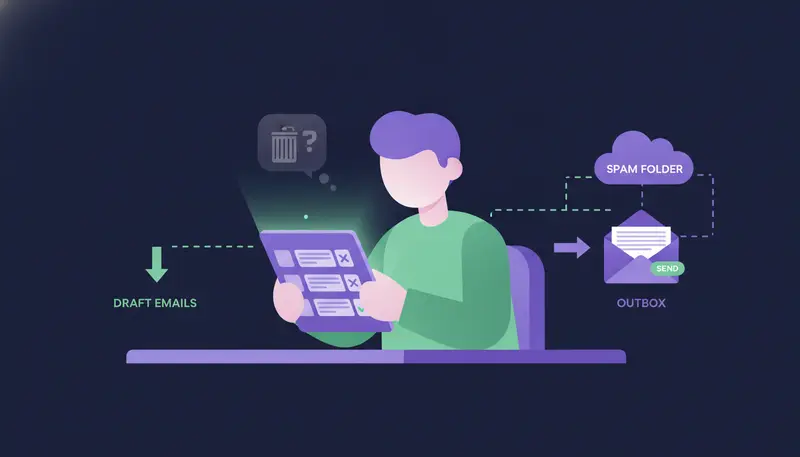
Start with a small first batch so you can see lead quality and bounces before you scale.
If one channel is struggling, a sequence can add others. Email, LinkedIn, WhatsApp, SMS and calls can sit in one sequence, each step written for that lead and channel.
Why are my cold emails going to spam? Your diagnostic checklist
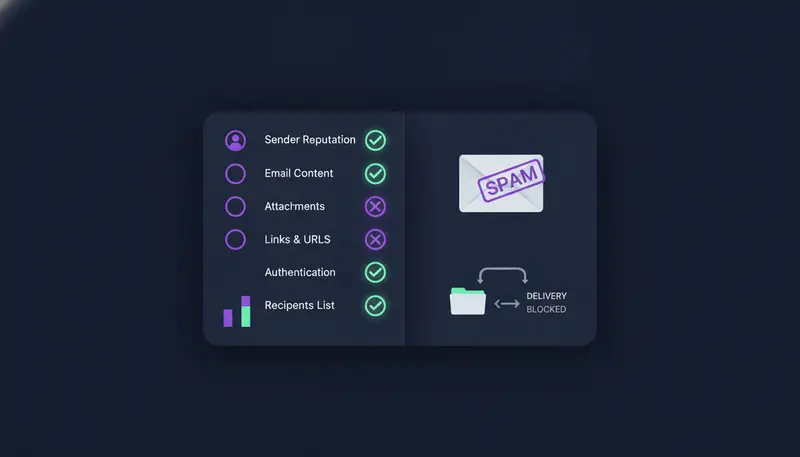
Run this top to bottom before your next send. Fix the first unticked item, then test again.
Cold email deliverability checklist
- SPF, DKIM and DMARC published and aligned with the From domain
- Outreach sent from a separate domain, not your main company domain
- List verified, with bad and duplicate rows removed
- Bounces reviewed, and hard bounces removed
- Message in plain text, with one link at most and no attachments
- Every draft read by a person before it goes out
- Volume built up in steps, within daily limits per mailbox
- Domain checked against block lists
- Stop and unsubscribe requests respected at once
Frequently asked questions
Why are my cold emails going to spam?
The most common causes are missing DNS authentication, high bounce rates, unverified lead lists, spam-trigger HTML and links, sudden volume spikes and a blacklisted domain. Test where messages land, read the headers, then work through the diagnostic table.
How do I fix cold email deliverability quickly?
Check SPF, DKIM and DMARC first, then verify your list and strip the message back to plain text. Reduce volume and build up in steps. Pause while you fix bounces.
Does sending from my own mailbox help deliverability?
It helps because your outreach builds your own domain's reputation instead of sharing a pool with other senders. ZOROSDR sends through your connected accounts, such as Gmail or Outlook. Keep outreach on a separate domain from your everyday email.
How many emails can I send a day?
In ZOROSDR every plan sends up to 100 emails a day per mailbox and 50 LinkedIn actions a day per account. Those are ceilings, so start lower on a new mailbox and build up.
Can an AI tool make my spam problem worse?
It can if it sends without anyone looking. In ZOROSDR a person approves every first message before it goes out, and replies always wait for a person. That lets you catch bad copy or a bad list before it costs you reputation.
Summary
Spam placement usually has a boring cause: missing authentication, a dirty list, heavy formatting, a volume jump or a listed domain. Test where your mail lands, work down the table and fix one cause at a time.
When you are ready to see the checks and approval flow in practice, start the 14-day free trial or see how the product works.