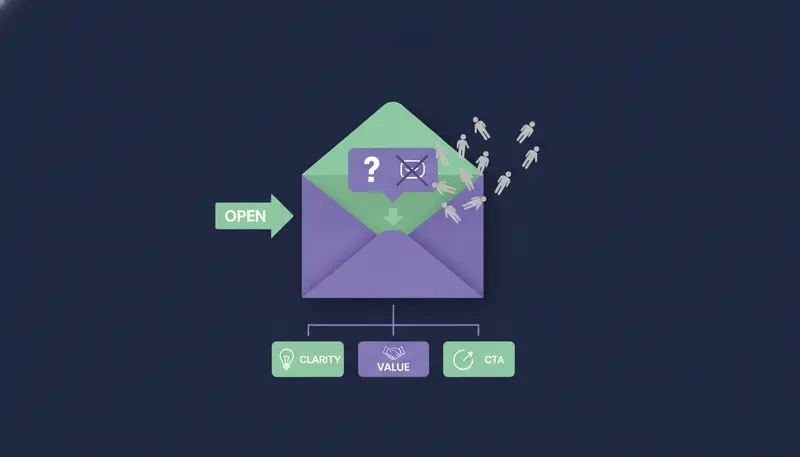
Your cold emails get opened, and nobody replies. Why people open cold emails but never reply usually comes down to five causes: bot or security-filter false opens, self-centered "we/our" copy, vague offers with no quantified outcome, high-friction CTAs such as asking for 30 minutes, and wrong persona targeting. Check the first one before you rewrite anything.
By the end you will know how to tell real opens from machine opens, which of the five is costing you replies, and what to change first.
First Check: Are Your Opens Real Humans or Email Security Bots?
Start here, because everything else assumes a person read your email.
Open tracking loads a tiny hidden image, and anything that loads it counts as an open. Security software that scans incoming mail, and some mail apps that fetch images in advance, can do that without anyone reading the message.
So a high open rate can be partly made of machines. The total will not tell you how much.
How to spot false opens
Look at timing and pattern, not the total.
Signs your opens may not be human
- Opens arrive within seconds of sending, often in bursts
- Several people at one company open the same email at the same moment
- Opens come in at hours when nobody is at a desk
- Plenty of opens, but no clicks, no replies and no visits to your website
- One contact shows many opens a few seconds apart
If several of these fit your data, treat the open rate as noise.
What to trust instead
Replies, clicks that lead to your site, and real conversations. In ZOROSDR, the Hot score is built from replies, clicks, website visits, LinkedIn activity, funding and hiring, so it does not rest on opens alone.
Also rule out delivery trouble. If many messages never reach the inbox, your open data is muddled, and the diagnostic checklist for cold emails going to spam walks you through it. ZOROSDR checks SPF, DKIM and DMARC alignment and handles bounces automatically. Use a separate domain for outreach so your everyday email stays safe.
Problem 1: Your Email Talks About You, Not the Reader
Open the last cold email you sent and count "we", "our" and "I". Then count "you" and "your". If the first number wins, that is your problem.
Self-centered copy opens with who you are and what you sell. The reader asked for none of it, and they decide in a couple of seconds whether the message is about them.
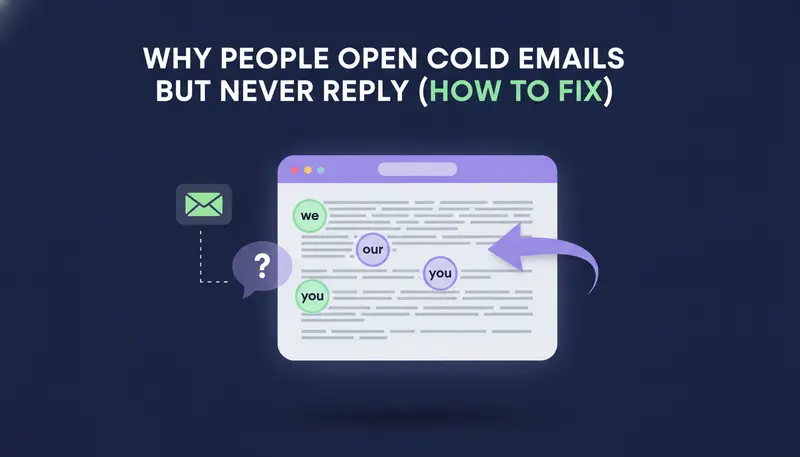
Here is the same idea written two ways.
| Self-centered | Reader-centered | |
|---|---|---|
| Opening line | Who you are and how long you have existed | Something true about their role or company |
| Who the sentences are about | We, our, us | You, your team |
| Proof | Adjectives such as "leading" | One concrete fact you can back up |
| Ending | A pitch | A question about their situation |
Reader-centered does not mean flattery. It means starting where they already are.
ZOROSDR writes in your voice from your website and your knowledge, and it states no fact you did not give it. It also matches each message to how the lead likes to be written to, guessed from the job title.
Problem 2: Your Offer Is Vague and Names No Outcome
"We help companies generate more pipeline." Everyone says it. The reader cannot picture what changes for them, so there is nothing to reply to.
A quantified outcome gives them something to judge. Here's the catch: the number has to be one you can prove. If you have no figure from your own work, say the concrete thing instead: what you do, for whom, and how long it takes.
- 1Name who it is fora role and a kind of company, not "businesses".
- 2Use their words for the problemfor example, "we don't have the time or people to prospect every day".
- 3State what changesadd a number only if your own work backs it up.
- 4Say how it works in one lineenough to be believable, not a product tour.
- 5Keep it small to trysomething they can say yes to without a long process.
If an AI writes for you, be careful what you feed it. In ZOROSDR, the AI quotes whatever sits in a brand voice's Proof section, so a result you cannot support will end up in your emails. When a fact is missing, it says it will confirm instead of guessing.
Problem 3: Your Call to Action Asks for Too Much
"Do you have 30 minutes this week?" is a big request to a stranger. They must check a calendar and commit time before they know you are relevant.
A low-friction call to action asks a small question that takes a few words to answer. A good brief for a first message is one pain from their world, one line on how you help, and a soft question.
| High-friction CTA | Low-friction CTA | |
|---|---|---|
| The ask | A 30-minute call | A one-line question |
| Effort for the reader | Check a calendar, commit time | Reply with a few words |
| Fit for a first email | Weak, there is no trust yet | Strong, it is easy to answer |
| Once they show interest | The right moment for a booking link | No longer needed |
Hold the calendar link until someone shows interest. A reply like "yes, tell me more" is the moment to offer a time.
The next step is where most teams slip: the follow-ups. Leave at least 2 to 3 days between emails on one channel, and see cold email follow-up sequences that book meetings for how to pace them.
Problem 4: You Are Writing to the Wrong Person
Sometimes the email is fine and the recipient is not. A good subject line can earn an open from someone with no authority, no budget or no reason to care.
A founder, a head of sales and a marketing director each feel a different pain, and one template rarely suits all three. For a fuller method, read how to build an ideal customer profile (ICP) for outbound.
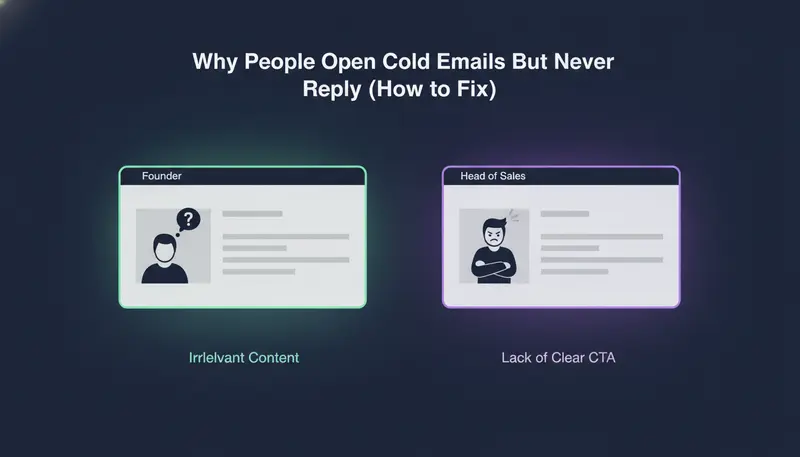
Use this check before every batch.
Persona check before you send
- The person feels this problem in their day-to-day work
- They own the budget or have a say in it
- The email names a problem of their role, not of "companies like yours"
- Your best customers have held this same job title
- There is a reason to write now, such as hiring or funding
- You are not sending one text to every role
Two parts of ZOROSDR help here. The Lookalike Prospect Finder finds more companies and people like your best customers, and the High-Intent Leads Finder finds people at companies in a buying moment. You can also write rules the way you would brief a new salesperson. Keep them loose, because rules that are too strict skip most leads.
Why People Open Cold Emails But Never Reply: A Fix Plan for the Next Batch
Do not rewrite everything at once. Work through the causes in order, and change one thing per batch.
- 1Check the openslook at timing and pattern, and ignore the open rate if it looks machine-made.
- 2Read five sent emails aloudcount we/our against you/your and fix the worst offender.
- 3Rewrite the offer in one sentencewho it is for, what changes, and a number only if you can prove it.
- 4Shrink the askswap the 30-minute request for a question.
- 5Re-check the listconfirm each role actually feels the problem you name.
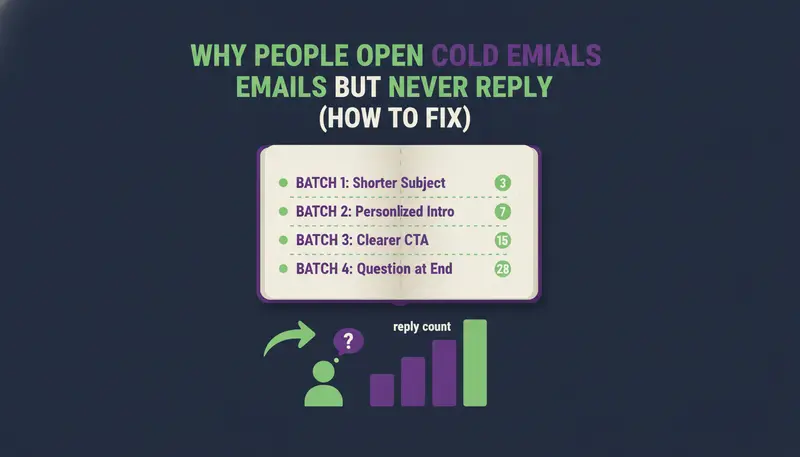
- 6Send a small batchchange one thing and compare replies per person contacted.
Write down what you changed and what happened. A plain note beats memory.
What Should You Track Instead of Open Rates?
Track replies per person contacted, and sort them: interested, a question, an objection, not now, or stop. In ZOROSDR every reply is read and sorted into those groups, and a suggested answer waits for a person to approve. Then watch meetings booked.
Objections are useful data. If most replies say the same thing, your offer or your list needs work.
Testing changes should not put your name at risk. In ZOROSDR every first message lands in your inbox as a draft, and nothing goes out until a person approves, edits or skips it. The guardrails page explains approval, facts-only writing and opt-outs.
Every new workspace also starts with sandbox credits, so you can try a batch before you commit.
Frequently asked questions
Why do I get opens but no replies on cold emails?
The usual causes are false opens from security scanners, copy about you instead of the reader, a vague offer, a big ask such as 30 minutes, or the wrong role on the list. Check the opens first, then fix the rest one at a time.
Are cold email open rates accurate?
Not always. Security software and some mail apps can load the tracking image without a person reading the message. Use opens as a rough signal and judge the campaign by replies per person contacted.
Should I ask for a meeting in the first cold email?
Usually a smaller ask works better, such as a one-line question. Keep the booking link for when someone shows interest.
How many things should I change at once?
One per batch. If you change the offer, the call to action and the list together, you will not know which change made the difference.
Can AI write cold emails without sending something wrong?
ZOROSDR writes in your voice from the facts you gave it and says it will confirm when it does not know something. A person approves every message before it goes out. No tool can promise replies.
Summary
High opens with no replies usually means false opens, copy about you, a vague offer, a heavy ask or the wrong person. Check the opens, fix one cause per batch and measure replies, not opens. To try it with a person approving every message, start the 14-day free trial.