You connect a new mailbox, send your first campaign, and too much of it lands in spam. Warmup tools say they can fix that, so it's fair to ask which ones are worth paying for and whether they still work. Here is the short answer on the best email warmup tools and how they work: peer-to-peer warmup networks are designed to build a positive sender reputation by sending automated opens, replies and spam-folder rescues between connected inboxes. They can help as one part of a plan, but they don't replace clean authentication, a slow ramp and messages people want to read.
By the end you'll know how warmup works, where it stops helping, what to compare in standalone and built-in tools, and a routine you can start this week.
How Email Warmup Works Under the Hood
A new mailbox has no history. Receiving servers have never seen mail from it, so they treat it with caution. Warmup is the process of giving the mailbox a track record before you send cold outreach at real volume.
The peer-to-peer network idea
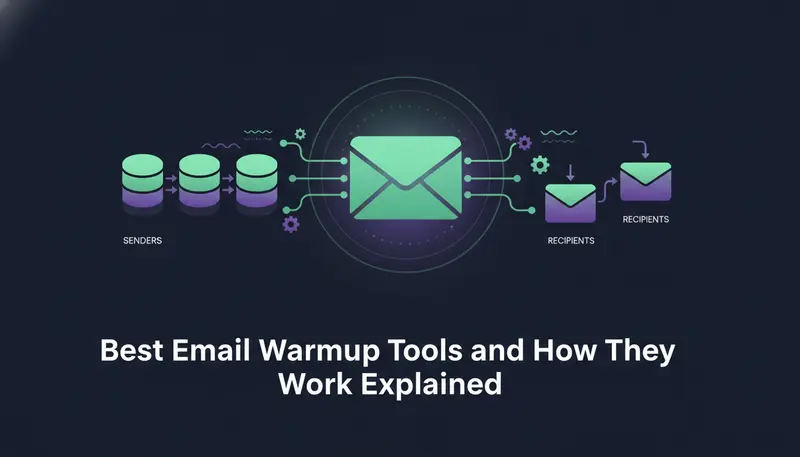
Standalone warmup tools usually run a pool of connected inboxes. Your mailbox sends messages to inboxes in the pool, and they send messages back to yours. Automated actions then follow: the message is opened, a reply goes out, and if a message lands in spam, it is moved to the inbox. That last step is the spam-folder rescue.
The idea is that this looks like ordinary two-way conversation, which builds a positive sender reputation over time. That is how these tools describe it. We can't verify how each mailbox provider's filters treat that traffic, so treat it as a claim to test, not a guarantee.
The schedule matters as much as the network
Almost every warmup, networked or not, follows one pattern: start with a few messages a day and raise the number over several weeks. A mailbox that goes from zero to a full load on day one looks nothing like a real person's account.
- 1Authenticate the domainSet up SPF, DKIM and DMARC first, so receiving servers can verify the mail is yours.
- 2Start smallSend a handful of messages a day from the new mailbox, ideally to people who will answer.
- 3Add volume slowlyRaise the daily number in small steps over a few weeks, not in jumps.
- 4Watch the signalsCheck bounces, failed sends and where your messages land.
- 5Move to outreachBegin cold sending at a safe daily limit, not at the maximum.

If you want a full walkthrough of the first weeks, read how to warm up a new email account for cold outreach. For the DNS records in step one, SPF, DKIM and DMARC explained in plain English has a checklist.
Does Automated Warmup Still Work Under Current Google and Yahoo Rules?
Partly, and it depends on what you expect from it.
Google and Yahoo both publish sender guidelines, and guidelines change. We won't quote thresholds here. Read the current versions yourself before you plan volume, because anything we printed could be out of date by the time you read it.
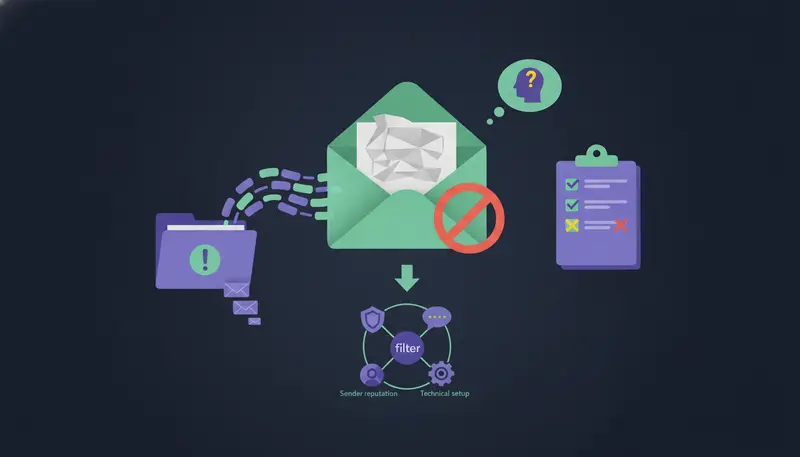
What we can say plainly is this: warmup cannot fix problems it doesn't touch. Network traffic is automated activity between accounts that agreed to exchange mail. Real recipients decide the outcome once you send real outreach. If the list is a poor match or the message is generic, a warm sending history won't rescue it.
What warmup can still do
It gives a new mailbox an orderly start instead of a sudden spike. It also gives you a few weeks to watch how the mailbox behaves before real leads are involved.
What warmup can't do
It can't fix a missing SPF, DKIM or DMARC record. It can't make a weak message earn replies. And it can't guarantee inbox placement. No tool can promise that, and we won't either.
Here's the catch: the part of warmup that is most reliably useful is the slow ramp, and you can get that without a network at all.
| Warmup network | Gradual real sending | |
|---|---|---|
| What it sends | Messages between inboxes in a pool | Your real messages to real leads |
| How reputation builds | Automated opens, replies and spam-folder rescues | Your own sending history grows day by day |
| What you depend on | The pool and how filters treat its traffic | A sensible daily limit and a clean domain setup |
| Extra tool needed | Often a separate subscription | Can be part of the sending platform |
If your mail already lands in spam, a warmup tool is rarely the first fix. Start with this diagnostic checklist for cold emails going to spam.
The Best Email Warmup Tools and How They Work
There are two kinds of tool, and the difference matters more than any brand name. We compare the types here, not named products, because features and pricing change often and we can't verify them for you.
Standalone warmup tools
A standalone tool connects to your mailbox and runs the peer-to-peer network described above. It does one job. That focus is its main strength: such tools typically offer schedule controls and reports on how warmup is going.
The trade-offs are another login, another subscription, and warmup traffic that is not your real outreach. You also rely on the quality of the pool.
Built-in warmup
Built-in warmup lives inside the platform you send from. It usually means a gradual ramp of your real sending, controlled by daily limits, hours and health checks. There is less to set up and fewer tools to keep in sync.
The trade-off is that you don't get a network of inboxes opening and replying for you. The ramp does the work.
| Standalone | Built-in | |
|---|---|---|
| Main job | Run a warmup network | Ramp up your real sending |
| Setup | Separate tool, separate mailbox connection | Part of your account settings |
| Traffic | Mail between pool inboxes | Your own campaign mail |
| Controls | Dedicated schedule and reports | Daily limits, hours and health checks in one place |
| Fits best | Teams with many new mailboxes who want a dedicated tool | Teams who want fewer tools |
Whichever you pick, ask the same questions.
Questions to ask any warmup tool
- Does it say how it sends and from which accounts?
- Does it raise volume gradually, with a limit you control?
- Does it check SPF, DKIM and DMARC, or tell you how to fix them?
- Can you pause it and see what it has done?
- Does it handle bounces?
- Does it avoid promising inbox placement?
- Do your real messages go out from your own mailbox, not a shared server?
That last point is worth a closer look. Sending from your own mailbox versus shared servers changes whose reputation your mail carries.
How ZOROSDR Handles Warmup
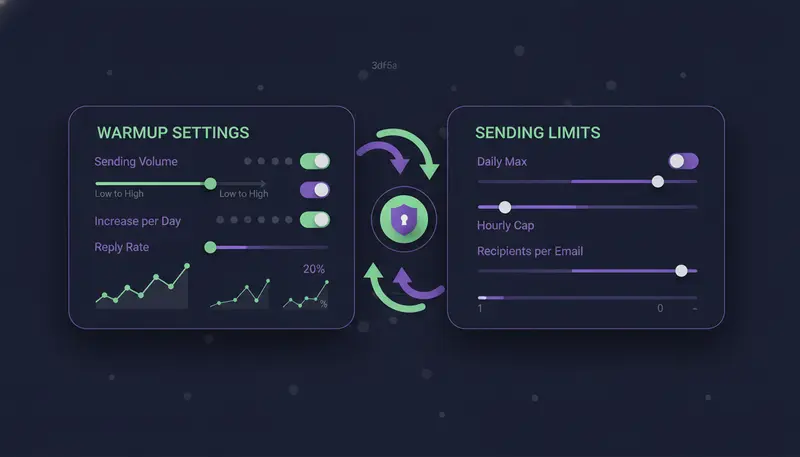
ZOROSDR sends from your own connected accounts, such as Gmail or Outlook, not from a shared server. Your outreach inherits your own domain's standing, so keeping that standing healthy is the point of the settings below.
Its built-in warm-up is a gradual ramp of your real sending. We don't describe it as a peer-to-peer network, because it isn't presented that way in our materials. If you also run a standalone network and want to know how the two fit, the team will confirm.
Those limits are there to keep accounts safe. They also stop you from doing the thing that gets new inboxes flagged: sending a lot on day one.
Deliverability checks are built in too: address checks, domain health checks for SPF, DKIM and DMARC, bounce handling and daily limits.
- 1Open Settings, then channelsFind the email account you connected.
- 2Set the daily limitChoose a number below the maximum, plus the sending hours and days.
- 3Leave 'Warm up gradually' onIt is meant for new email and LinkedIn accounts and ramps up over 3 weeks.
- 4Press 'Save changes'Nothing applies until you do.
- 5Check Health and Sending domainHealth shows Healthy, Worth watching or At risk, and the sending domain check says how to fix each part of your setup.
Messages also go out in each lead's working hours. Every message is a draft until a person approves it, so you see what is going out while the mailbox is still young.
Common Warmup Mistakes
Most warmup trouble comes from a short list of habits.
Warming up, then sending too much
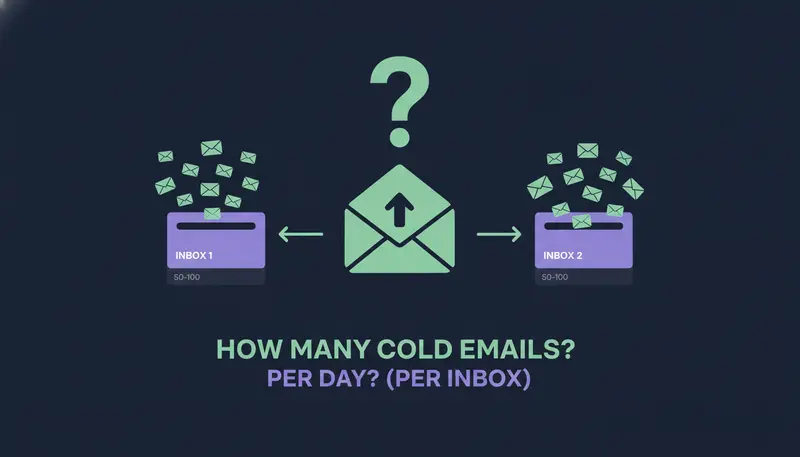
A warm mailbox is not a license to jump to the maximum. Raise volume in steps and keep watching bounces and failed sends. If you're unsure where to land, how many cold emails to send per day, per inbox goes through it.
Skipping the domain setup
Warmup on top of a missing DKIM or DMARC record is wasted effort. Fix authentication first, then ramp.
Warming a mailbox you won't use
If the account will never send real outreach, there is no reason to warm it. Warm the mailboxes you plan to send from.
Treating warmup as the whole strategy
After the ramp, your results depend on who you write to and what you say. A matched list and a message in your own voice carry more weight than any sending history. If replies are the problem, five messaging mistakes behind silent cold emails is a good next read.
Frequently asked questions
What are the best email warmup tools?
There are two types: standalone tools that run a peer-to-peer warmup network, and built-in warmup inside a sending platform that ramps your real sending. The best one depends on how many mailboxes you run and how many tools you want to manage. We don't rank named products because we can't verify their current features.
Does automated email warmup still work?
It can help a new mailbox start in an orderly way, but it can't fix missing authentication, a weak list or a generic message, and no tool can guarantee inbox placement. Read Google's and Yahoo's current sender guidelines and treat warmup as one part of the plan.
How long should I warm up a new mailbox?
It varies by tool. In ZOROSDR, the 'Warm up gradually' setting ramps new email and LinkedIn accounts up over 3 weeks. Whatever you use, raise volume in small steps and watch bounces and failed sends.
Does ZOROSDR use a warmup network?
ZOROSDR's built-in warm-up is a gradual ramp of daily sending on new email and LinkedIn accounts, sent from your own connected accounts. If you want to know how it works alongside a standalone network, the team will confirm.
Do I still need warmup if I send from my own Gmail or Outlook?
A new mailbox still benefits from a slow start. Sending from your own account means your outreach carries your own domain's reputation, which is a reason to protect it with daily limits and a clean SPF, DKIM and DMARC setup.
Summary
Warmup works best as a slow, steady start: authenticate the domain, begin with low volume, raise it in steps and watch the signals. Peer-to-peer networks add automated opens, replies and spam-folder rescues, but they don't replace good targeting or a message worth answering.
To try a built-in ramp with daily limits, health checks and approval on every message, start the 14-day free trial. If you'd rather talk it through first, book a demo.